How to make LinkedIn messages easier to read
Zoom your browser, use LinkedIn's dark mode or your computer's text and contrast settings, or show just your messages at 125% with high contrast.
By Amardeep Anand, founder of Bokka · Published · 2 min read
On this page
To make LinkedIn messages easier to read on a computer, zoom the page in your browser: press Ctrl and + on Windows, or ⌘ and + on a Mac. LinkedIn's dark mode can help too. LinkedIn Help lists no text size setting for its website, so the rest comes from your browser and your computer.
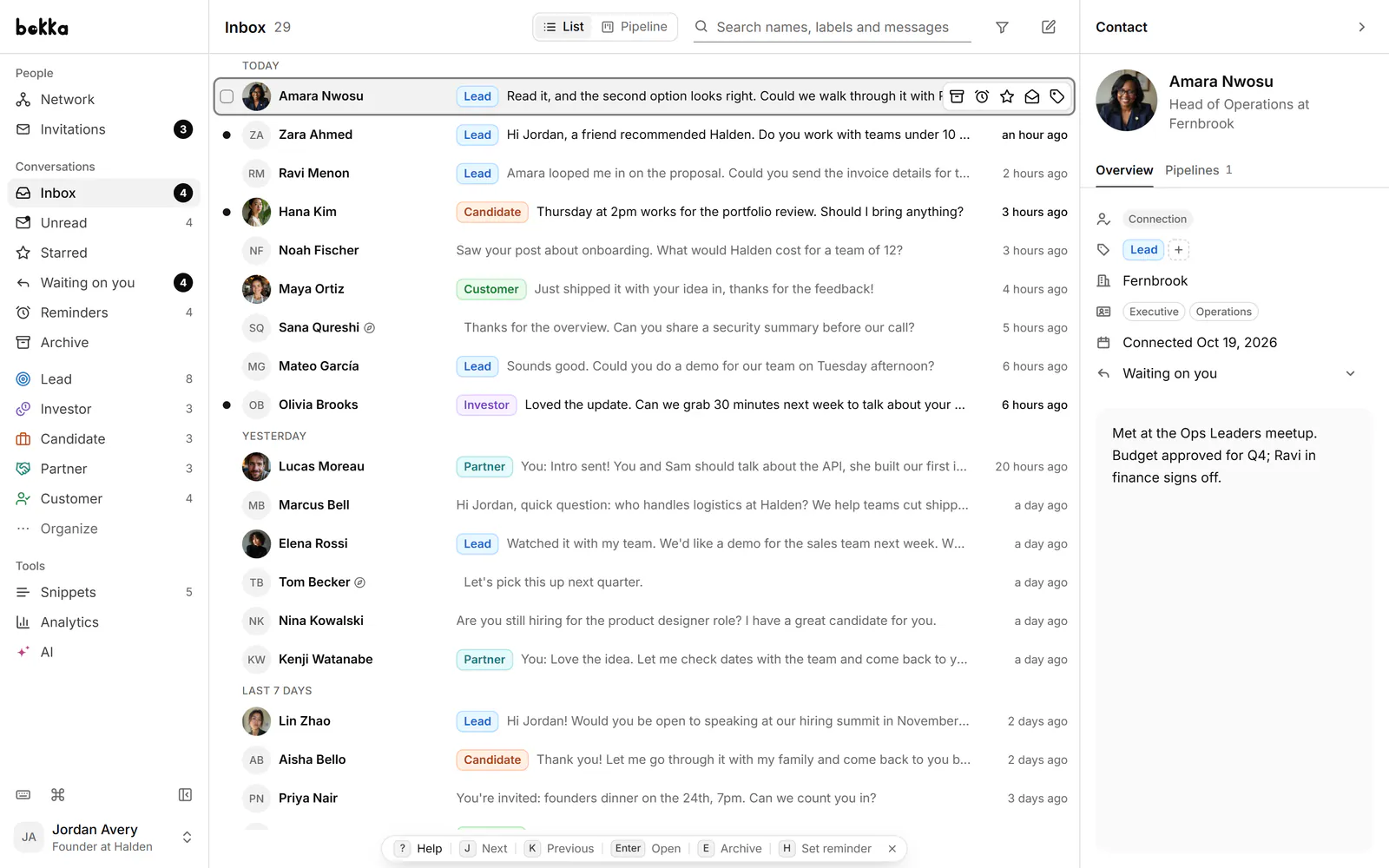
Bokka is an AI-first CRM for your LinkedIn inbox. It adds two settings for reading: larger text for your messages alone, and high contrast.
What LinkedIn offers
Dark mode
- On a computer, click the Me icon, then Settings & Privacy.
- Under Account preferences, find Display and click Dark mode.
- Choose Device settings, Dark mode or Light mode. It saves by itself.
The choice is saved per device or browser, not in your account, so set it everywhere you use LinkedIn (LinkedIn Help: dark and light mode, retrieved October 30, 2026).
Text size on iPhone
The LinkedIn app follows your iPhone's setting. Close the app, go to Settings, Accessibility, Display and Text Size, Larger Text, move the slider, then reopen the app (LinkedIn Help: adjust font size, retrieved October 30, 2026). That help page covers iOS only.
High contrast
LinkedIn has a high contrast option, but it's for videos in the mobile app, and it's still rolling out (LinkedIn Help: video accessibility, retrieved October 30, 2026). LinkedIn Help lists no high contrast setting for messages.
What your browser offers
Chrome can enlarge one site or all of them (from Chrome Help, retrieved October 30, 2026):
- One page: press Ctrl and + on Windows, or ⌘ and + on a Mac. Use - to shrink it.
- Every page: go to Settings, Appearance, Page zoom.
- Text only: go to Settings, Appearance, Font size. Chrome notes that "some websites don't let browsers change only the text size".
Zoom makes everything bigger, so toolbars and side panels grow too and take room from your messages.
What your computer offers
| Bigger text | More contrast | |
|---|---|---|
| Windows 11 | Settings, Accessibility, Text size | Settings, Accessibility, Contrast themes |
| macOS | System Settings, Accessibility, Display, Text size | The same page, Increase contrast |
These change your whole computer, not only LinkedIn. On a Mac, Text size applies to compatible apps and system features, so it may not reach a website. Both were retrieved October 30, 2026.
How to set larger text in Bokka
- Open Settings, then Preferences.
- Next to Text size, choose Larger.
Messages, the message box, conversation rows and the contact panel show at 125%. Icons, toolbars and row heights stay as they were, so you don't lose room to the rest of the app. You can also press Cmd+K (Ctrl+K on Windows) and type "text size".
How to turn on high contrast in Bokka
- Open Settings, then Preferences.
- Next to Contrast, choose High.
High uses pure black and white, with stronger borders and focus rings, in both Light and Dark. Label colours and the AI's colour stay. In the command palette, type "contrast".
Both settings are saved in that browser, so they last across restarts and show as soon as the app opens. Another browser or computer keeps its own. They apply inside the signed-in app only, and they aren't tied to a plan. See Settings.
Which one to try first
| If you want | Try |
|---|---|
| Bigger everything on LinkedIn, for free | Browser zoom |
| Less glare in the evening | LinkedIn's dark mode |
| Bigger text in every app | Your computer's text size |
| Bigger messages with the same toolbars | Bokka's Larger text |
| Stronger black and white in your inbox | Bokka's High contrast |
About Bokka
Bokka starts with a free 14-day trial, AI included and no credit card. After it, Starter is $25 and Pro is $35 per user a month ($19 and $30 for your first month). Team, at $50, is coming soon.
Frequently asked questions
Can you change the text size on LinkedIn?
LinkedIn Help lists no text size setting for the website. Use browser zoom on a computer. On iPhone, the app follows your phone's Larger Text setting.
Does LinkedIn have a high contrast mode for messages?
LinkedIn Help lists none. Its high contrast option is for videos in the mobile app. For messages, try dark mode or your computer's contrast settings.
Does LinkedIn have dark mode?
Yes. On a computer, go to Settings & Privacy, Account preferences, Display, then Dark mode. The choice is saved per device or browser.
What does Bokka's Larger text change?
It shows messages, the message box, conversation rows and the contact panel at 125%. Icons, toolbars and row heights stay the same.
Do Bokka's reading settings change LinkedIn itself?
No. They apply inside Bokka's signed-in app only, in the browser where you set them.
Sources
Other products' prices and features were read on their own pages on October 30, 2026. They change; check each page before you buy.
- LinkedIn Help: switch between dark and light mode
- LinkedIn Help: adjust font size on the mobile app
- LinkedIn Help: accessibility features for video posts
- Google Chrome Help: change text, image and video sizes
- Microsoft Support: make text and apps bigger
- Microsoft Support: change color contrast in Windows
- Apple Support: display settings for accessibility on Mac
- Bokka docs: settings
Join the waitlist for early access to Bokka. Your first 14 days are free, AI included, with no credit card. It runs in Chrome, Edge, Brave and Arc on a desktop or laptop.
Join the waitlistAbout the author
Amardeep Anand founded Bokka, the AI-first CRM for your LinkedIn inbox, and runs it from Deoghar, India. Questions or corrections: support@gobokka.com.