How to send a voice note on LinkedIn from your computer
LinkedIn says voice messages are only on its mobile app. What it offers, why audio files aren't an option, and how to record from your computer.
By Amardeep Anand, founder of Bokka · Published · 2 min read
On this page
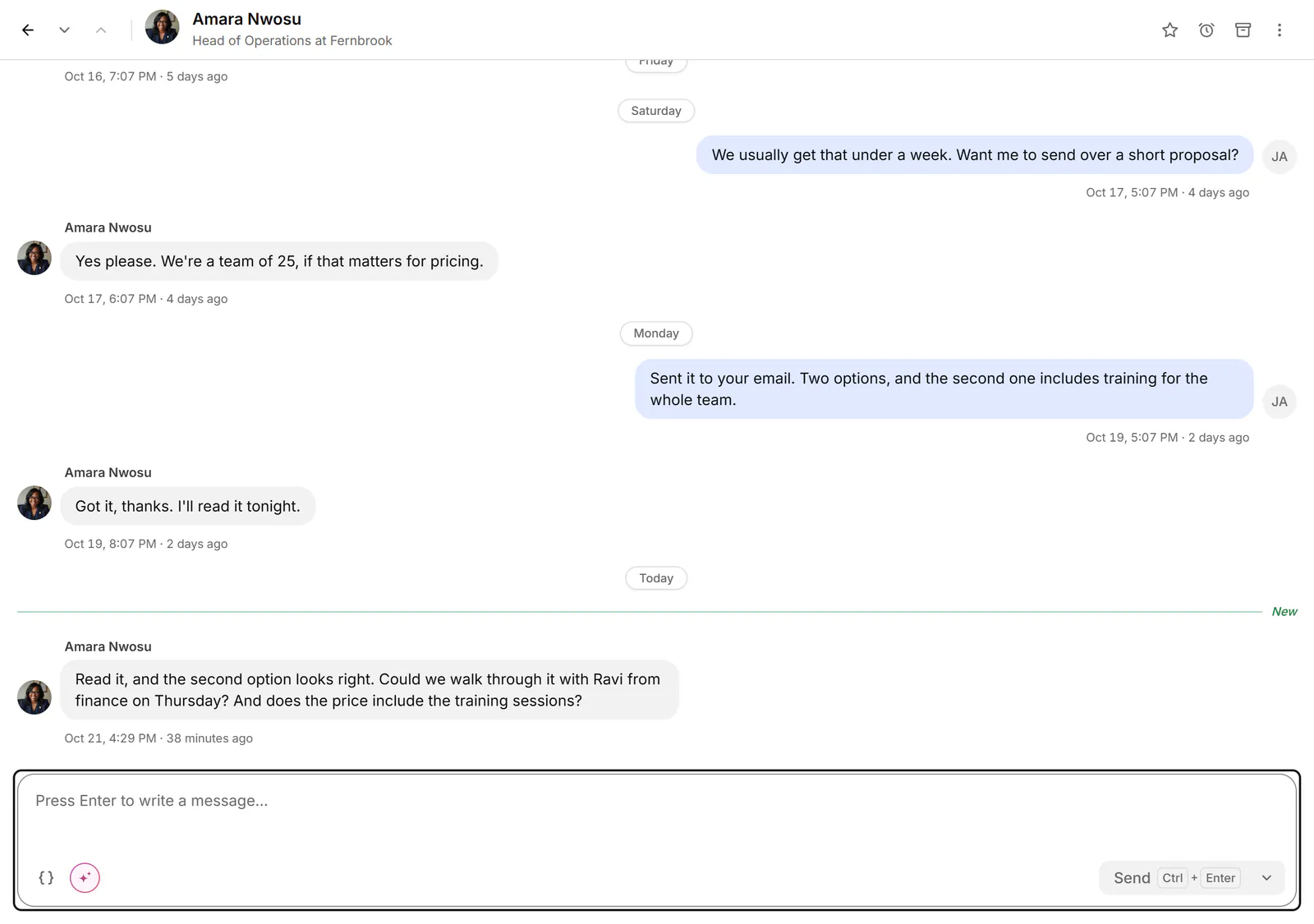
You can't record a voice note on LinkedIn's website. LinkedIn Help says voice messages are "only available on the LinkedIn mobile app" (LinkedIn Help: voice messages, retrieved October 30, 2026). To send one from a computer, use a tool that records in your browser, or pick up your phone.
A voice note, which LinkedIn calls a voice message, is a short audio clip that plays in the conversation. Bokka is an AI-first CRM for your LinkedIn inbox, and its message box has a record button on a desktop or laptop.
What LinkedIn offers
- Where: the LinkedIn mobile app only.
- Who to: your 1st-degree connections, or group chats.
- How long: up to one minute.
LinkedIn's messaging FAQ says the same about connections and the app (LinkedIn Help: messaging FAQ, retrieved October 30, 2026).
How to send a voice message in the LinkedIn app
- Tap the Messaging icon in the upper right.
- Open a conversation and tap the Microphone icon. Allow microphone access if asked.
- Press and hold the large Microphone icon to record, then release to send.
Can you attach an audio file instead?
It isn't a listed option. LinkedIn's list of file types for messages covers documents, images, and MP4 and MOV videos, with no audio formats (LinkedIn Help: attach files, retrieved October 30, 2026). The nearest listed choice on a computer is a short video with your voice on it, which arrives as a video, not a voice note.
Some guides suggest running the phone app in an Android emulator on your computer. LinkedIn Help doesn't describe that, so it isn't covered here.
How to send a voice note from your computer in Bokka
- Open a conversation, or start one with New message.
- Click Record a voice message beside the message box.
- Allow the microphone when your browser asks.
- Talk. The clock counts up to the 2 minute limit, where recording stops. Click Stop sooner if you're done.
- Listen back. Then click Send, Record again or Discard.
If you have more than one microphone, choose another beside the finished recording, then click Record again.If you'd like to use the same voice note again, click Save as snippet (see saved replies with files and voice notes).
LinkedIn's app and Bokka compared
| LinkedIn app | Bokka | |
|---|---|---|
| Device | Phone | Desktop or laptop, in Chrome, Edge, Brave or Arc |
| Longest voice message | One minute | 2 minutes |
| Before it goes | Release to send | Listen back, record again or discard |
| Reuse it | Not described in LinkedIn Help | Save it as a snippet |
| Cost | Free with LinkedIn | On every plan, the trial included |
Limits to know
- Sales Navigator has no voice messages.
- Some conversations don't take them. Where LinkedIn has turned off voice messages, the button doesn't show.
- A blocked microphone. If you see "The microphone is blocked for this site", allow it in the address bar's site settings, then try again.
- A browser that can't record. You'll be told to update it. The recording has to be in a format LinkedIn plays.
The recording stays in your browser until you press Send. It then goes to LinkedIn from your browser, not through our servers, and nothing is sent for you. On plans with AI, Transcribe under a voice message you receive writes out what was said. See Read and reply to a conversation.
About Bokka
Bokka starts with a free 14-day trial, AI included and no credit card. After it, Starter is $25 and Pro is $35 per user a month ($19 and $30 for your first month). Team, at $50, is coming soon.
Frequently asked questions
Can you send a voice message on LinkedIn from a computer?
Not on LinkedIn's website. LinkedIn Help says the feature is only available on the mobile app. Bokka records voice messages in your browser on a computer.
How long can a LinkedIn voice message be?
Up to one minute in the LinkedIn mobile app. In Bokka, you can record up to 2 minutes.
Who can you send a LinkedIn voice message to?
LinkedIn Help says your 1st-degree connections, or group chats.
Can I attach an MP3 to a LinkedIn message?
LinkedIn's list of file types for messages includes no audio formats, so it isn't a listed option.
Can I listen to my voice note before it's sent in Bokka?
Yes. After you stop recording, you can listen back, record again or discard it. It goes only when you press Send.
Sources
Other products' prices and features were read on their own pages on October 30, 2026. They change; check each page before you buy.
Join the waitlist for early access to Bokka. Your first 14 days are free, AI included, with no credit card. It runs in Chrome, Edge, Brave and Arc on a desktop or laptop.
Join the waitlistAbout the author
Amardeep Anand founded Bokka, the AI-first CRM for your LinkedIn inbox, and runs it from Deoghar, India. Questions or corrections: support@gobokka.com.