Can you transcribe a LinkedIn voice message?
LinkedIn Help describes no transcript for voice messages. How to get one written out anyway, and how Bokka's Transcribe works and on which plans.
By Amardeep Anand, founder of Bokka · Published · 2 min read
On this page
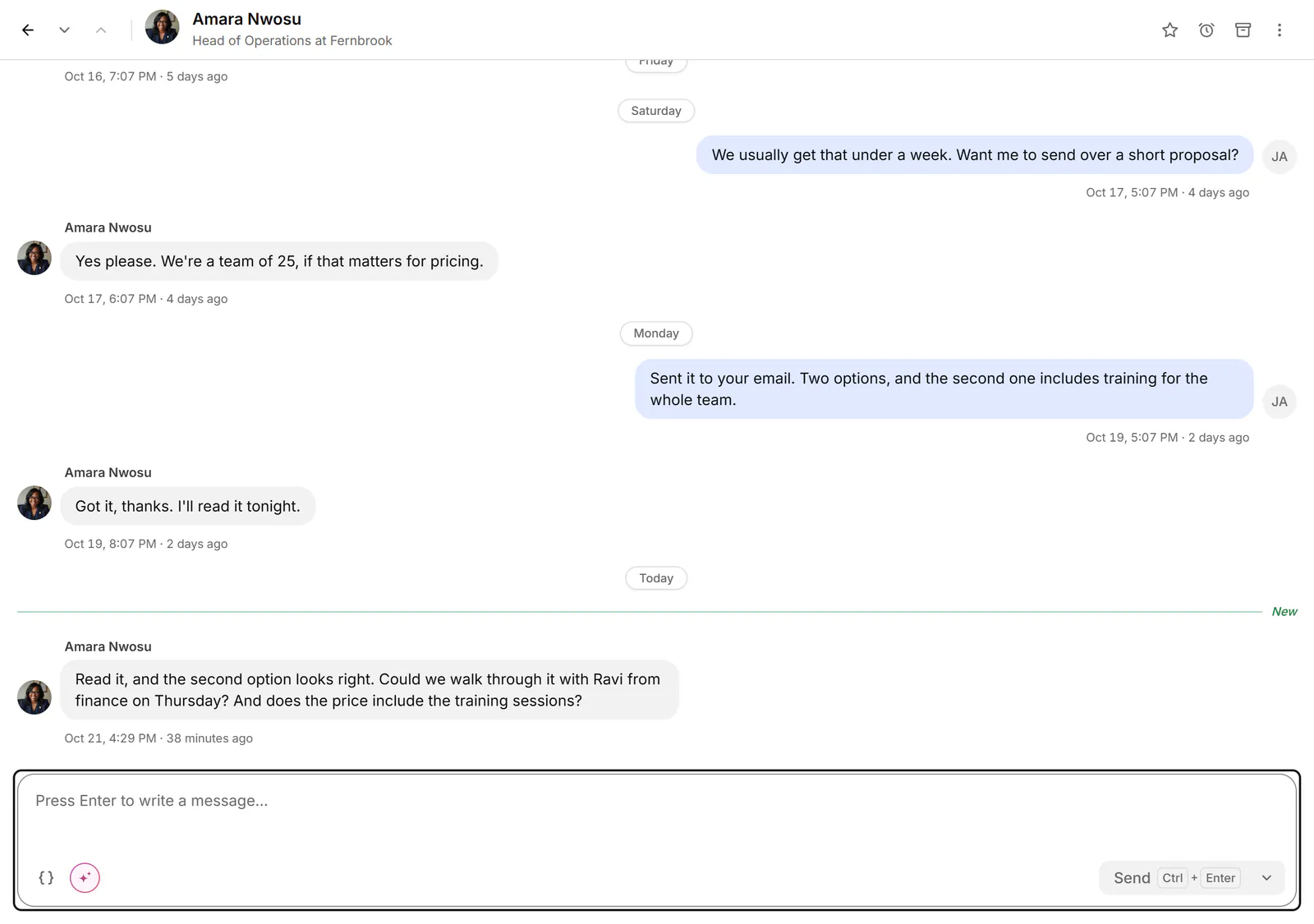
LinkedIn doesn't offer a transcript of voice messages: its help page on voice messages mentions no transcript or captions (LinkedIn Help: voice messages, retrieved November 10, 2026). To read one instead of playing it, use your browser's captions as you listen, or a tool that transcribes it, such as Bokka.
A voice message (often called a voice note) is a short audio clip in a LinkedIn conversation. A transcript is the same words written out. Bokka is an AI-first CRM for your LinkedIn inbox.
What LinkedIn offers for voice messages
| What LinkedIn Help says | |
|---|---|
| Where you record | Only in the LinkedIn mobile app |
| How long | Up to one minute |
| Who to | Your 1st-degree connections, or group chats |
| Transcript or captions | Not mentioned |
Sources: LinkedIn Help: voice messages, retrieved November 10, 2026 and LinkedIn Help: messaging FAQ, retrieved November 10, 2026. Since the page doesn't mention a transcript, this post doesn't guess at one. If LinkedIn adds one, the help page is where it will show.
Ways to read a voice message without a transcript feature
- Live Caption in Chrome. On Windows, Mac, Linux and Chromebook, Chrome can caption audio playing in it: More, Settings, Accessibility, then turn on Live Caption. Google says the audio and captions are processed on your device, are never stored and never leave it (Chrome Help: Live Caption, retrieved November 10, 2026). The captions show while it plays; there's no text to keep or copy afterwards.
- Listen and take notes. For a one-minute clip, writing down the two or three things that matter is often enough. Put them where you'll see them next time, such as a note on the person.
- Ask for it in writing. If the details matter (a price, a date, an address), reply and ask them to send it as text. It's also the easiest way to keep a record.
How to transcribe a voice message in Bokka
- Open the conversation with the voice message.
- Choose Transcribe under the voice message.
- Read what was said, written out.
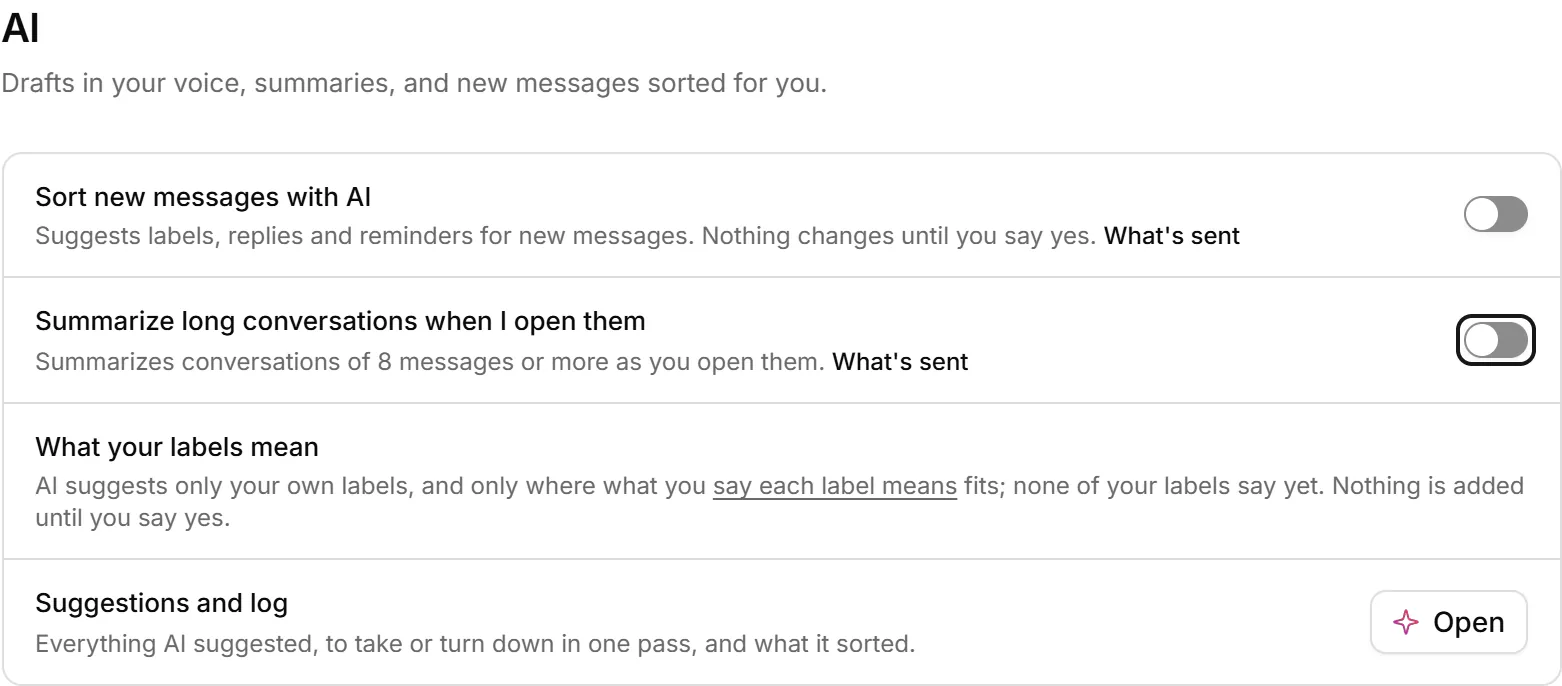
That's the whole feature: it writes out what was said, and it doesn't reply or change anything. AI is part of the free trial, with daily limits, and of Pro. It isn't on Starter. See What can AI do.
Where the audio goes
- The audio goes to our AI provider only when you choose Transcribe. It doesn't keep it or train on it.
- Transcripts, like drafts and summaries, stay in your browser.
- Bokka's servers keep how you organise your inbox, not your messages. More in where your LinkedIn messages go.
The docs give these in What does AI see and keep? and What can AI do.
Answering a voice message
Once you know what they said, answer in text, or record a voice message back. LinkedIn's website has no record button, but Bokka records voice messages of up to 2 minutes on a computer, on every plan, and you listen back before you send. See how to send a voice note on LinkedIn from your computer. To catch up on a long thread around the voice message, a summary helps: summarize a long LinkedIn conversation.
About Bokka
Bokka starts with a free 14-day trial, AI included and no credit card. After it, Starter is $25 and Pro is $35 per user a month ($19 and $30 for your first month). Team, at $50, is coming soon.
Frequently asked questions
Does LinkedIn transcribe voice messages?
LinkedIn Help's page on voice messages mentions no transcript or captions. It says voice messages are recorded in the mobile app and can be up to one minute long.
How can I read a LinkedIn voice message instead of listening to it?
On a computer, Chrome's Live Caption can caption it as it plays, without saving the text. In Bokka, choose Transcribe under the voice message to have it written out, on the trial or Pro.
Is Bokka's voice message transcription free?
It's included in the free 14-day trial, with daily limits, and in Pro. It isn't on Starter.
Where does the audio go when I transcribe a voice message?
To Bokka's AI provider, only when you choose Transcribe; it doesn't keep it or train on it. The transcript stays in your browser.
Sources
Other products' prices and features were read on their own pages on November 10, 2026. They change; check each page before you buy.
Join the waitlist for early access to Bokka. Your first 14 days are free, AI included, with no credit card. It runs in Chrome, Edge, Brave and Arc on a desktop or laptop.
Join the waitlistAbout the author
Amardeep Anand founded Bokka, the AI-first CRM for your LinkedIn inbox, and runs it from Deoghar, India. Questions or corrections: support@gobokka.com.