LinkedIn saved replies with files and voice notes
LinkedIn Help lists no saved replies for regular messages. How to reuse a reply with its files and voice note, and where those files are kept.
By Amardeep Anand, founder of Bokka · Published · 2 min read
On this page
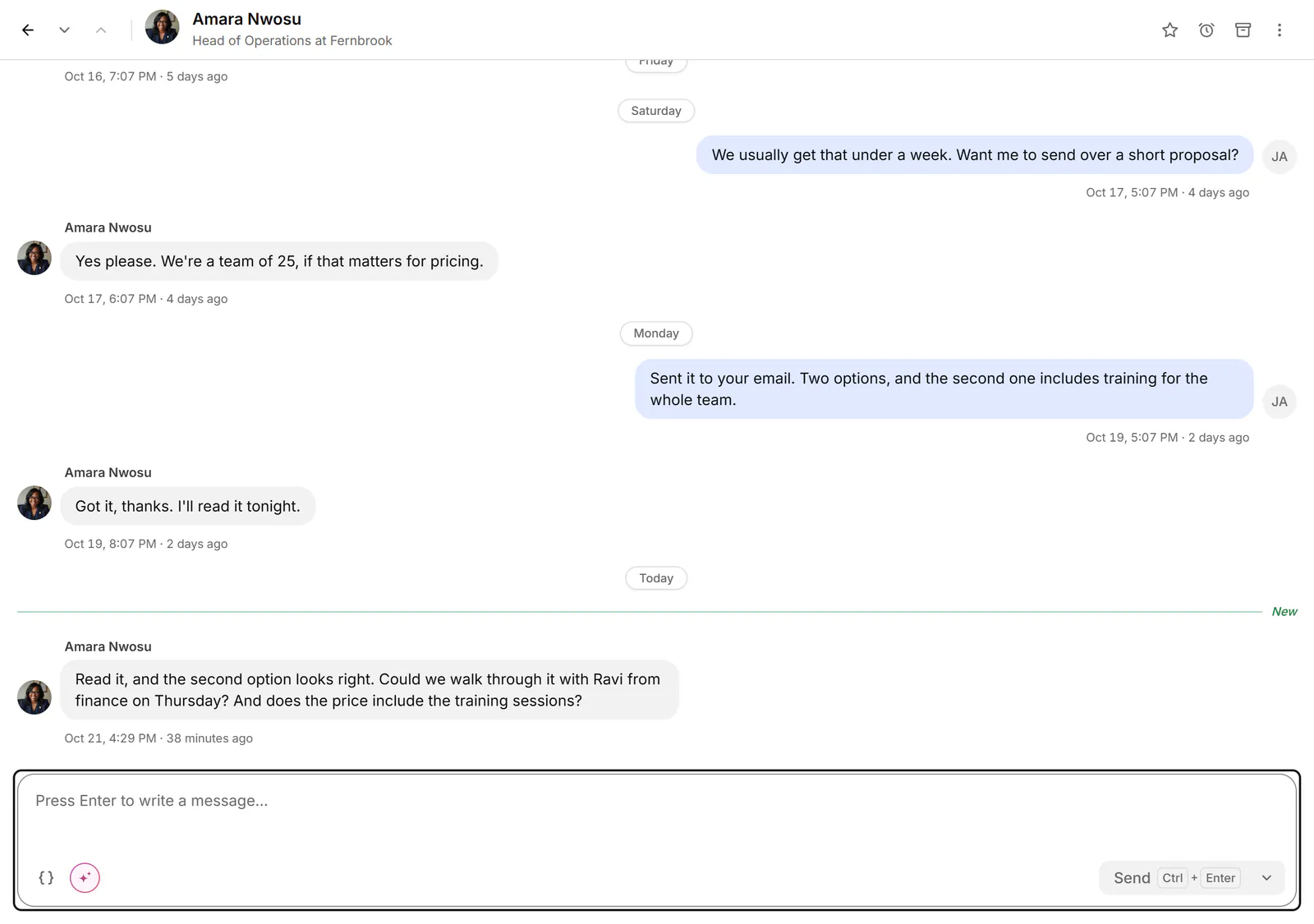
LinkedIn Help describes no saved replies for regular LinkedIn messages. Its message templates are for Recruiter and Recruiter Lite, and for Sales Navigator it says InMail templates aren't available. To reuse a reply in regular messages, paste it from your own notes and attach any file again each time, or use a tool that saves replies with their files.
A saved reply is a message you keep so you don't type it twice. In Bokka, an AI-first CRM for your LinkedIn inbox, these are called snippets, and they can hold more than text. To see one at work, try the playground, a practice inbox with made-up people.
What LinkedIn offers for saved replies
| Where | Saved replies | Files or voice |
|---|---|---|
| Regular messages | None described in LinkedIn Help | Attach or record each time |
| Recruiter and Recruiter Lite | Message templates, up to 500, with name variables | The help page doesn't mention attachments |
| Sales Navigator | "InMail templates aren't available at this time" | Attach each time |
The Recruiter details come from LinkedIn Help: create message templates, and the Sales Navigator line from LinkedIn Help: send an InMail, both retrieved October 30, 2026.
The built-in workaround
- Text. Keep your replies in a notes app and paste them in. Change the name by hand.
- Files. Attach the file again each time. LinkedIn takes files up to 20 MB (LinkedIn Help: attach files, retrieved October 30, 2026).
- Voice notes. LinkedIn Help describes recording in the phone app: hold the microphone to record, and release to send (LinkedIn Help: voice messages, retrieved October 30, 2026). It describes no way to keep one and use it again.
How to save a reply in Bokka
- Go to Settings → Snippets and click New snippet, or press C.
- Give it a Name and write the Message. Add placeholders such as first name or company, filled in for each person when you insert it.
- Click Create.
To keep a message you've just written, use the arrow beside Send, then Save as snippet. On plans with AI, it can also turn a message you send often into a snippet from Settings → Snippets. Snippets are on every plan, with no limit.
Add files and a voice note to a snippet
A snippet can carry up to 5 photos, videos or files, each up to 20 MB, the same limits as any attachment. It can also carry one voice note of up to 2 minutes. A snippet with files doesn't need any text.
- In a snippet, click the paperclip below the message to add files, or Record a voice note.
- To keep a voice message you've just recorded in a conversation, click Save as snippet beside it and give it a name.
- In the message box, type ; at the start of a word, then a few letters of the snippet's name, or click Insert a snippet beside the box.
- Read what went in, then press Send yourself.
Files go in the box's attachments. A voice note goes back as a recording, ready to listen to and send. If the snippet has text too, the voice note goes first and the text stays in the box for your next Send.
Nothing sends by itself
A voice note stays ready to send until you press Send or discard it. A snippet never sends on its own, and it can't be scheduled or set off by a new message.
Where a snippet's files can't go
- Message selected sends text only, so the files stay out.
- Sales Navigator takes no voice messages or videos.
- On the trial, a snippet's video stays out. Video messages start on Starter.
- A conversation where LinkedIn has turned off files or voice can't take them.
Anything left out is named under the box, and the rest goes in. If your disk is full, saving a snippet's files stops and says so. See Reuse a reply with snippets.
About Bokka
Bokka starts with a free 14-day trial, AI included and no credit card. After it, Starter is $25 and Pro is $35 per user a month ($19 and $30 for your first month). Team, at $50, is coming soon.
Frequently asked questions
Does LinkedIn have saved replies?
LinkedIn Help describes none for regular messages. Recruiter and Recruiter Lite have message templates, and for Sales Navigator LinkedIn Help says InMail templates aren't available.
Can a saved reply on LinkedIn include a file?
LinkedIn Help doesn't describe one that does, so in regular messages you attach the file each time. In Bokka, a snippet can carry up to 5 files, each up to 20 MB.
What happens to a snippet's files when I sign out of Bokka?
They're removed from the browser, and the snippet keeps its text. Files are never uploaded to us, so there's no copy on our side to bring back. Add them again after you sign in.
Will a saved voice note send by itself?
No. Inserting the snippet puts the voice note back as a recording, ready to listen to. It goes only when you press Send.
Sources
Other products' prices and features were read on their own pages on October 30, 2026. They change; check each page before you buy.
Join the waitlist for early access to Bokka. Your first 14 days are free, AI included, with no credit card. It runs in Chrome, Edge, Brave and Arc on a desktop or laptop.
Join the waitlistAbout the author
Amardeep Anand founded Bokka, the AI-first CRM for your LinkedIn inbox, and runs it from Deoghar, India. Questions or corrections: support@gobokka.com.