How to download your LinkedIn messages: Download your data
Settings & Privacy, Data privacy, Download your data, then Request archive. Messages are in the larger archive, emailed within 24 hours and kept for 72.
By Amardeep Anand, founder of Bokka · Published · 2 min read
On this page
To download your LinkedIn messages, go to Settings & Privacy, click Data privacy, then Download your data, select the data you want and click Request archive. Messages come in the larger archive: LinkedIn emails you a link within 24 hours, and the download is available for 72 hours.
Download your data is LinkedIn's own export of your account: your profile, connections, messages and more, as files you save to your computer. Bokka is an AI-first CRM for your LinkedIn inbox.
How to download your LinkedIn messages
- Click the Me icon at the top of your LinkedIn homepage, then Settings & Privacy.
- Click Data privacy on the left.
- Under How LinkedIn uses your data, click Download your data.
- Select the data you're looking for, then click Request archive.
- Open the email LinkedIn sends and download the archive from its link within 72 hours.
Source: LinkedIn Help: download your data, retrieved November 10, 2026. LinkedIn says the feature isn't available on mobile, and advises downloading it on your own computer, not a public one.
How long it takes
| What you request | When it arrives |
|---|---|
| Specific types of data (profile, connections, invitations and others) | By email "within minutes"; the page lists them as available within 10 minutes |
| The larger download, which holds your messages | By email "within 24 hours"; the page lists messages as available within 48 hours |
| Either | The download stays available for 72 hours |
Source: LinkedIn Help: download your data, retrieved November 10, 2026. The page gives both 24 and 48 hours for the larger archive, so allow up to two days.
What's in it, and what isn't
- Messages: sent, received and archived messages, with the date each was sent or received, its subject line, its content and the member's public profile URL.
- Rich Media: links to the photos, videos and documents shared on LinkedIn, not the files themselves.
- Connections: name, public profile URL, company, position and connection date, and an email address only when that connection allows it.
- Only what applies to you: categories with nothing in them aren't included.
- Not included: People You May Know and Who's Viewed Your Profile.
Source: LinkedIn Help: download your data, retrieved November 10, 2026. The page doesn't say what file format the archive comes in, or whether messages you deleted are in it, so this post doesn't guess. It adds that once you close your account, you lose access to your account data, so download it first. Members in the EU, EEA and Switzerland can also reach their data through LinkedIn's Member Portability APIs, and anything not in the files can be asked for with LinkedIn's data access request form.
Download one conversation?
LinkedIn offers Messages as one category of the archive, and its page describes no way to download a single conversation. To keep a copy of one chat, request the archive and look for that person in it.
Deleting a conversation is a separate thing; see how to delete a LinkedIn conversation.
Where Bokka keeps your messages
Bokka loads your LinkedIn messages into your browser, and they stay there, on your device. Its servers keep how you organise them (labels, stages, notes, reminders) and a list of your conversations without their messages. See where your LinkedIn messages go and Frequently asked questions.
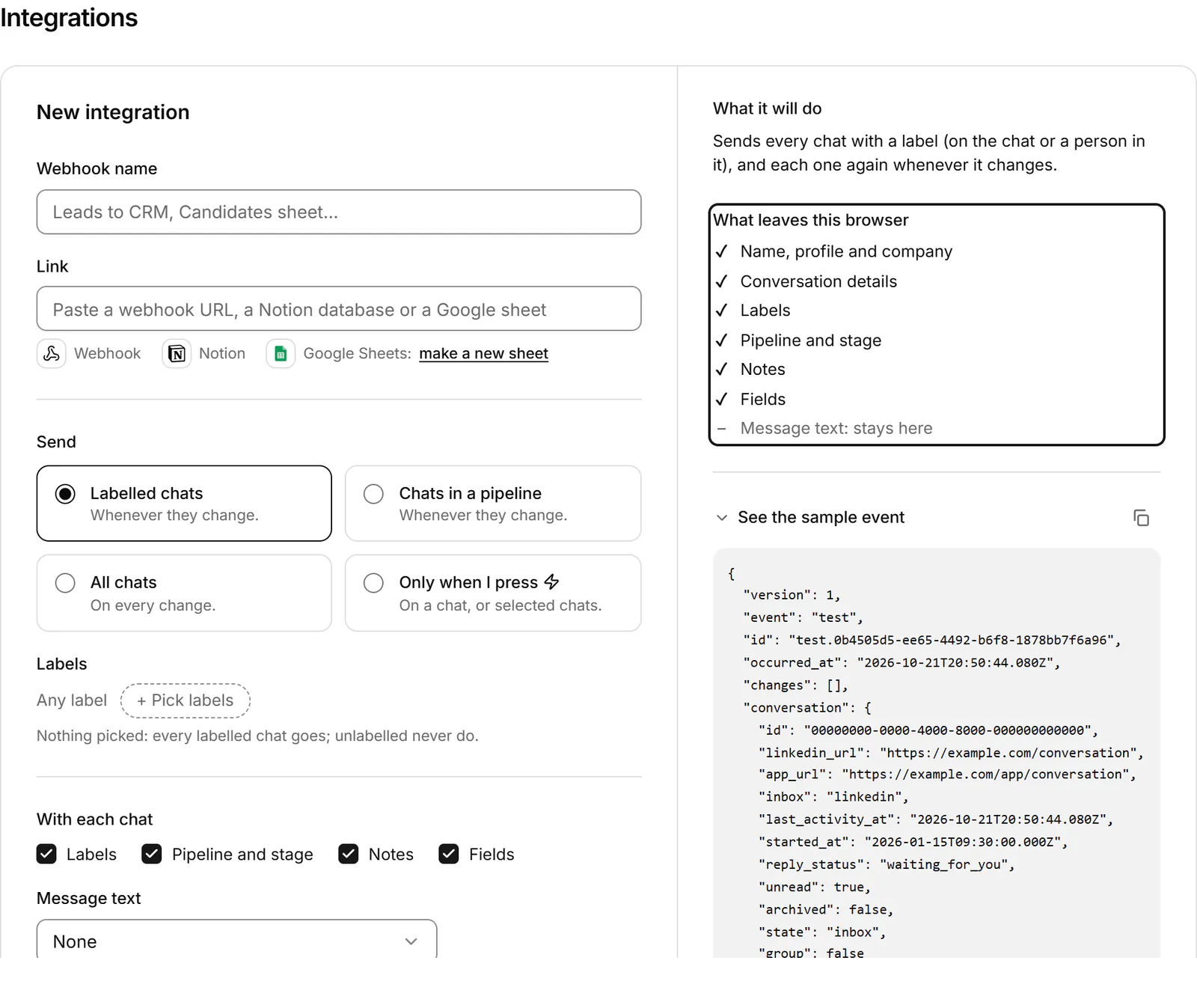
If what you want is a sheet or database that stays up to date, not a one-off archive, Bokka Pro can send the conversations you choose to Notion, Google Sheets or a webhook, while Bokka is open in a tab. Message text stays in your browser unless you turn it on for that integration. Steps are in how to send LinkedIn conversations to Notion or Google Sheets and Send conversations to Notion, Google Sheets or a webhook.
About Bokka
Bokka starts with a free 14-day trial, AI included and no credit card. After it, Starter is $25 and Pro is $35 per user a month ($19 and $30 for your first month). Team, at $50, is coming soon.
Frequently asked questions
Can I download all my LinkedIn messages?
Yes. Use Download your data under Settings & Privacy, Data privacy. Messages are in the larger archive, with sent, received and archived messages.
How long does it take to download LinkedIn messages?
LinkedIn says it emails you within 24 hours for the larger archive, which holds messages; the same page lists messages as available within 48 hours. The link works for 72 hours.
Can I download LinkedIn messages on my phone?
No. LinkedIn says Download your data isn't available on mobile. Use a computer, preferably your own.
Does the LinkedIn data download include attachments?
Rich Media holds links to the photos, videos and documents you shared on LinkedIn, not the files themselves.
What format is the LinkedIn data export in?
LinkedIn's help page doesn't say which file format the archive uses.
Sources
Other products' prices and features were read on their own pages on November 10, 2026. They change; check each page before you buy.
Join the waitlist for early access to Bokka. Your first 14 days are free, AI included, with no credit card. It runs in Chrome, Edge, Brave and Arc on a desktop or laptop.
Join the waitlistAbout the author
Amardeep Anand founded Bokka, the AI-first CRM for your LinkedIn inbox, and runs it from Deoghar, India. Questions or corrections: support@gobokka.com.
Related
How to send LinkedIn conversations to Notion or Google Sheets
2 min read
Where your LinkedIn messages go when you use Bokka
3 min read
How to delete a LinkedIn conversation, and what they still see
2 min read
How to search LinkedIn messages when you can't spell the name
3 min read