LinkedIn InMail character limit: 200 subject, 1,900 body
LinkedIn InMail allows 200 characters in the subject and 1,900 in the body. What else LinkedIn limits about InMail, and how to keep messages short.
By Amardeep Anand, founder of Bokka · Published
A LinkedIn InMail can have up to 200 characters in its subject line and up to 1,900 characters in its body (InMail character limits, retrieved 24 October 2026). LinkedIn Help doesn't state a limit for ordinary messages between connections.
InMail is a LinkedIn message you send to someone you aren't connected to, using credits from a paid plan such as Premium or Sales Navigator. Bokka is an AI-first CRM for your LinkedIn inbox.
The limits at a glance
| Part | Limit | Source |
|---|---|---|
| InMail subject line | 200 characters | LinkedIn Help |
| InMail body | 1,900 characters | LinkedIn Help |
| Message to a connection | Not published by LinkedIn Help | — |
Some older LinkedIn pages mention 2,000 characters for the InMail body; the current help page says 1,900, so plan for 1,900.
Other InMail rules worth knowing
- No read receipts for the sender. LinkedIn says read receipts and typing indicators don't appear to people who send InMail (read receipts, retrieved 24 October 2026).
- You can't delete a sent InMail. You can edit one only before it's accepted or within 60 minutes of sending (edit or delete a sent message, retrieved 24 October 2026). See can you unsend a LinkedIn message.
- Replies go where you sent from. Replies to InMail sent from Sales Navigator land in the Sales Navigator inbox, not your LinkedIn inbox (LinkedIn Help: Sales Navigator or LinkedIn inbox, retrieved 24 October 2026). See Sales Navigator and LinkedIn messages in one place.
How long should an InMail be?
The limit is a ceiling, not a target. Someone who doesn't know you decides from the subject and the first line whether to read on, often on a phone. A useful shape:
- Subject: what it's about in a few words, not a teaser.
- First line: why you're writing to them in particular.
- One or two lines: what you're offering or asking.
- One question that's easy to answer.
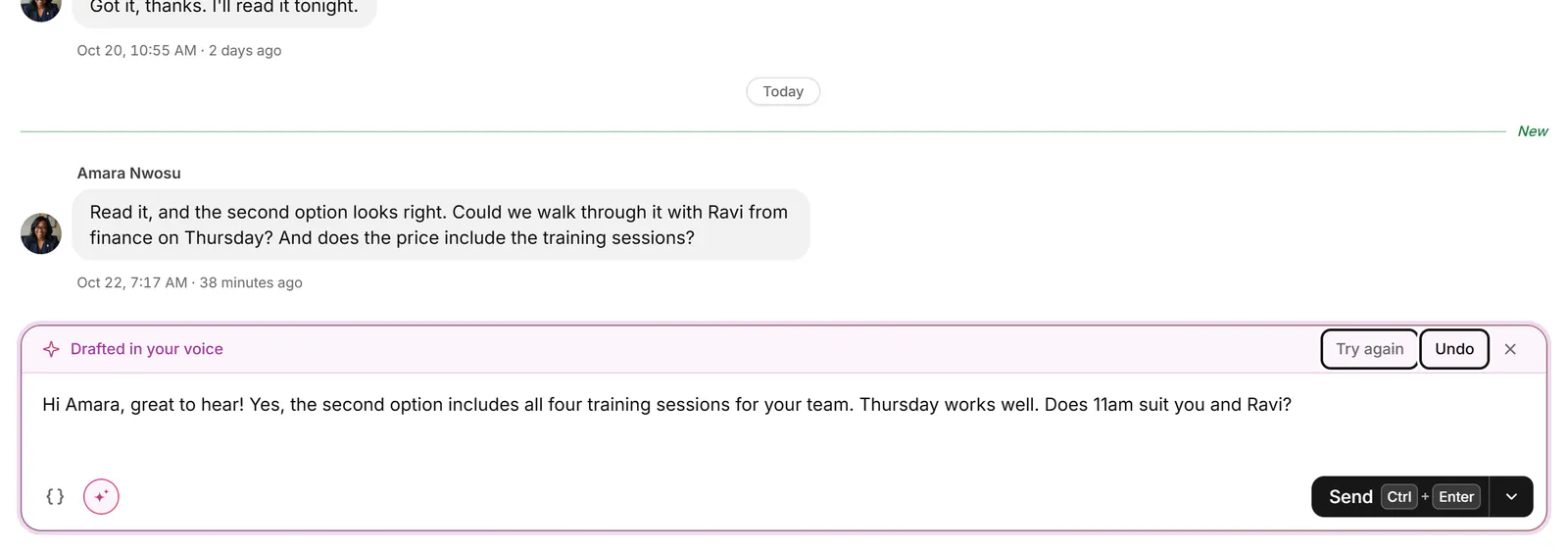
If you send similar InMails often, save the shape as a snippet. In Bokka, snippets fill in the person's first name and company for you and won't send until every gap is filled; on Pro, AI can draft a reply in your voice and make it shorter. See Snippets and Write with AI.
About Bokka
Bokka starts with a free 14-day trial, AI included and no credit card. After it, Starter is $25 and Pro is $35 per user a month ($19 and $30 for your first month). Team, at $50, is coming soon.
Frequently asked questions
What is the character limit for LinkedIn InMail?
Up to 200 characters in the subject line and up to 1,900 characters in the body, according to LinkedIn Help.
What is the character limit for a LinkedIn message to a connection?
LinkedIn Help doesn't publish one. The 1,900-character limit is for InMail bodies.
Is the InMail subject line required?
LinkedIn Help describes the InMail subject line as required, with up to 200 characters.
Sources
Other products' prices and features were read on their own pages on 24 October 2026. They change; check each page before you buy.
Try Bokka free for 14 days, AI included, with no credit card. It runs in Chrome, Edge, Brave and Arc on a desktop or laptop.
Start your free trialAbout the author
Amardeep Anand founded Bokka, the AI-first CRM for your LinkedIn inbox, and runs it from Deoghar, India. Questions or corrections: support@gobokka.com.
Related
- Can you unsend a LinkedIn message? The 60-minute ruleYou can't recall a LinkedIn message, but you can edit or delete it for everyone within 60 minutes of sending. How, and what the other person sees.
- Sales Navigator and LinkedIn messages in one place: howSales Navigator and LinkedIn keep separate inboxes. Where replies land, how to switch, and how to read both in one app with the same labels and notes.
- LinkedIn grey check mark meaning: sent, not read (yet)A grey check mark on a LinkedIn message means Sent: it reached their inbox but isn't shown as read. Why it can stay that way, and what to do next.