LinkedIn InMail vs message: what's the difference?
A LinkedIn message is free to your 1st-degree connections; InMail is a paid Premium message to someone you aren't connected to. When to use each one.
By Amardeep Anand, founder of Bokka · Published · Updated · 2 min read
On this page
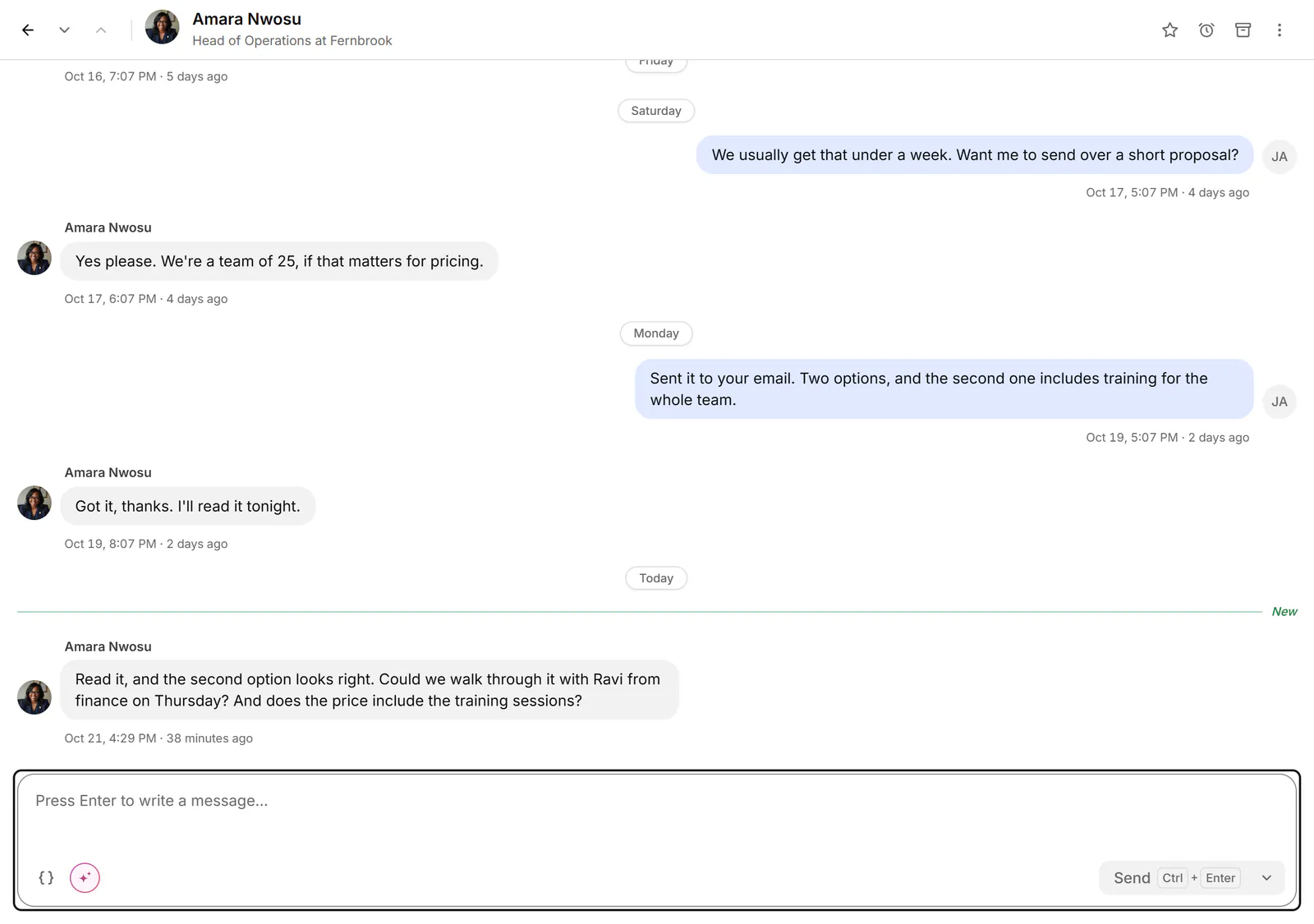
A LinkedIn message goes to someone you're already connected to, and it's free; an InMail goes to someone you aren't connected to, and it needs a Premium plan. Use a message for your 1st-degree connections, and an InMail when you have no connection and no shared group.
InMail is LinkedIn's paid message for writing to members outside your connections, paid for with monthly credits. A 1st-degree connection is someone who accepted your invitation to connect, or whose invitation you accepted. Bokka is an AI-first CRM for your LinkedIn inbox.
InMail vs message at a glance
| Message | InMail | |
|---|---|---|
| Who you can write to | 1st-degree connections, and fellow group members in group pages | Members you aren't connected to |
| Cost | Free | One credit from a Premium plan |
| Monthly allowance | None | Set by your plan, such as 5 on Premium Career and 15 on Premium Business |
| Subject line | No | Optional, up to 200 characters |
| Can the person block it? | No, from a connection | Yes, by turning InMail off in their settings |
Sources: LinkedIn Help: messaging overview, retrieved November 1, 2026, LinkedIn Help: InMail credits and renewal, retrieved November 1, 2026, LinkedIn Help: send an InMail, retrieved November 1, 2026 and LinkedIn Help: manage the messages you receive, retrieved November 1, 2026.
Who you can message for free
LinkedIn lets you message your 1st-degree connections, and fellow group members within group pages, for free (LinkedIn Help: messaging overview, retrieved November 1, 2026). Your 2nd-degree connections are people connected to your 1st-degree connections; you invite them with Connect on their profile. For members outside your network, LinkedIn points you to InMail (LinkedIn Help: degrees of connection, retrieved November 1, 2026).
You can't stop your 1st-degree connections from messaging you, though you can block a member. You can choose whether to receive InMail, Sponsored Messaging and, as a Premium member, Open Profile messages, under Settings & Privacy, Data privacy, Who can reach you, Messages (LinkedIn Help: manage the messages you receive, retrieved November 1, 2026).
What InMail costs
InMail is a Premium feature: free accounts have to upgrade to use it (LinkedIn Help: send an InMail, retrieved November 1, 2026). Each plan gets credits every month (LinkedIn Help: InMail credits and renewal, retrieved November 1, 2026):
- Premium Career: 5 a month.
- Premium Business: 15 a month.
- Recruiter Lite: 30 a month.
- Sales Navigator Core: 50 a month.
Every InMail that's accepted, declined or answered within 90 days of sending is credited back. You can't send someone a second InMail until they respond to the first. You also can't buy credits outside your monthly allowance (LinkedIn Help: InMail credits and renewal, retrieved November 1, 2026, LinkedIn Help: send an InMail, retrieved November 1, 2026). LinkedIn's LinkedIn Help: InMail FAQ, retrieved November 1, 2026 has the rest, and the length limits are in the InMail character limit.
Two ways to reach someone without InMail
- A note on your invitation. You can add a personalized note of up to 200 characters to up to three connection requests a month, and Premium members can add one to all of theirs (LinkedIn Help: personalize invitations to connect, retrieved November 10, 2026). An older LinkedIn Help page gives Premium members 300 characters a note (LinkedIn Help: InMail vs personalized invitations, retrieved November 1, 2026). If they accept, you're connected and can message freely.
- Open Profile. If a Premium member has Open Profile turned on, you can message them for free (LinkedIn Help: send an InMail, retrieved November 1, 2026).
Where the replies go
Replies usually come back to your LinkedIn inbox. The exception is Sales Navigator. An InMail you send from Sales Navigator gets its reply in your Sales Navigator inbox; messages and InMails sent from your LinkedIn account get theirs in your LinkedIn inbox (LinkedIn Help: Sales Navigator and LinkedIn inboxes, retrieved November 1, 2026). That split is why Sales Navigator users often end up checking two inboxes.
Which should you use?
For example, say you met a founder at a conference and want to follow up. If you're connected, send a message: it's free and lands in their main inbox. If you're not, send an invitation with a short note saying where you met. Save InMail for people you have no way to reach otherwise, such as a senior buyer outside your network, because each credit is limited and only returns when they answer.
- Connected? Send a message.
- Not connected, and you have a reason to connect? Invite with a note.
- Not connected, and it's a one-off ask? InMail, or a free message if they have Open Profile.
How Bokka handles messages and InMail
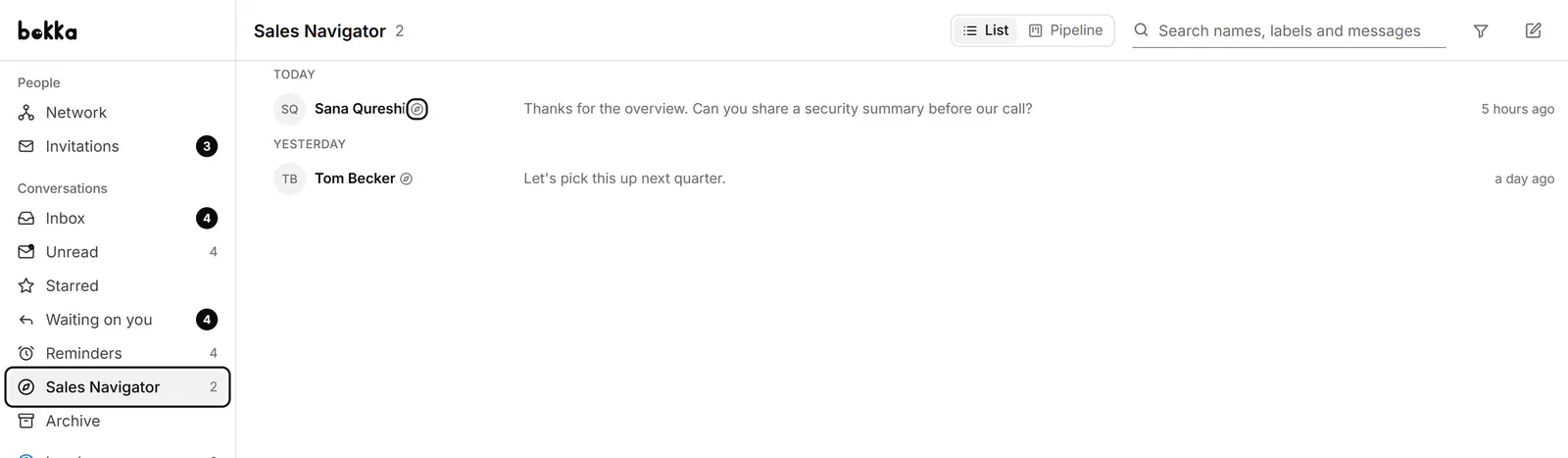
Bokka works with the conversations already in your LinkedIn inbox, and on Pro brings your Sales Navigator inbox in beside them, in a view of its own. See Sales Navigator and LinkedIn messages in one place. Starting a new conversation in Bokka suggests your connections and your group conversations; Bokka doesn't send InMail. It never sends anything on its own: every message goes out on your own Enter or click.
About Bokka
Bokka starts with a free 14-day trial, AI included and no credit card. After it, Starter is $25 and Pro is $35 per user a month ($19 and $30 for your first month). Team, at $50, is coming soon.
Frequently asked questions
Is InMail the same as a LinkedIn message?
No. A message goes free to your 1st-degree connections. InMail is a Premium feature for writing to members you aren't connected to, and each one uses a credit.
Can I send InMail with a free LinkedIn account?
No. LinkedIn says you need to upgrade to Premium to use InMail. You can still message a Premium member for free if they have Open Profile turned on.
Do I get an InMail credit back if they don't reply?
Only if they accept or decline it. LinkedIn credits back every InMail that's accepted, declined or answered within 90 days of sending; one left pending doesn't come back.
Can someone stop me sending them InMail?
Yes. A member can turn off InMail in their message settings, and then you can't send them one.
Sources
Other products' prices and features were read on their own pages on November 1, 2026. They change; check each page before you buy.
- LinkedIn Help: messaging overview
- LinkedIn Help: your network and degrees of connection
- LinkedIn Help: InMail credits and renewal
- LinkedIn Help: InMail FAQ
- LinkedIn Help: send an InMail message
- LinkedIn Help: personalize invitations to connect
- LinkedIn Help: InMail vs personalized invitations
- LinkedIn Help: manage the types of messages you receive
- LinkedIn Help: messages in the Sales Navigator and LinkedIn inboxes
Join the waitlist for early access to Bokka. Your first 14 days are free, AI included, with no credit card. It runs in Chrome, Edge, Brave and Arc on a desktop or laptop.
Join the waitlistAbout the author
Amardeep Anand founded Bokka, the AI-first CRM for your LinkedIn inbox, and runs it from Deoghar, India. Questions or corrections: support@gobokka.com.