LinkedIn message requests: what they are and how to answer
A message request is a message from a coworker or group member you aren't connected with. How to accept or decline, and where declined ones go.
By Amardeep Anand, founder of Bokka · Published · 2 min read
On this page
A LinkedIn message request is a message from someone you aren't connected with, usually a coworker or a member of a group you're in. You choose whether to accept it; if you decline, the sender isn't notified, and you can change your mind later.
A message request is LinkedIn's way of letting members who aren't connected start a conversation, with the recipient's consent. A declined request is one you turned down; LinkedIn keeps it in a list you can reopen. Bokka is an AI-first CRM for your LinkedIn inbox.
Who can send you a message request
LinkedIn says you can send a message request to coworkers or group members you aren't already connected with. It may also limit how many messages you can send to members you aren't connected to (LinkedIn Help: message requests, retrieved November 1, 2026). People outside those groups need an invitation to connect, or InMail. See InMail vs message.
How to accept a message request
On a computer (LinkedIn Help: message requests, retrieved November 1, 2026):
- Go to Messaging.
- Click the message request count.
- Open the request and click Accept.
In the app, tap the Messaging icon, then the Message Request icon at the top of the screen, open the request and tap Accept.
How to decline, and find a declined request again
You can accept or privately decline a request, and the sender won't be told if you decline. Declined requests aren't gone: click More in the messaging window and select Declined message requests to review them and accept one later (LinkedIn Help: message requests, retrieved November 1, 2026).
Rules worth knowing
- No attachments. Attachments can't be sent in message requests (LinkedIn Help: message requests, retrieved November 1, 2026).
- Controls on what reaches you. Under Settings & Privacy, Data privacy, Who can reach you, Messages, you can turn message types such as InMail on or off. You can't stop messages from your 1st-degree connections, but you can block a member (LinkedIn Help: manage the messages you receive, retrieved November 1, 2026).
Should you accept?
For example, a request from someone in a hiring group asking about a role you posted is worth accepting: once accepted, it's an ordinary conversation in your inbox. A request that's plainly a mass pitch can be declined without a word, since the sender isn't told. If you're unsure, leave it: nothing happens until you decide.
Message requests in Bokka
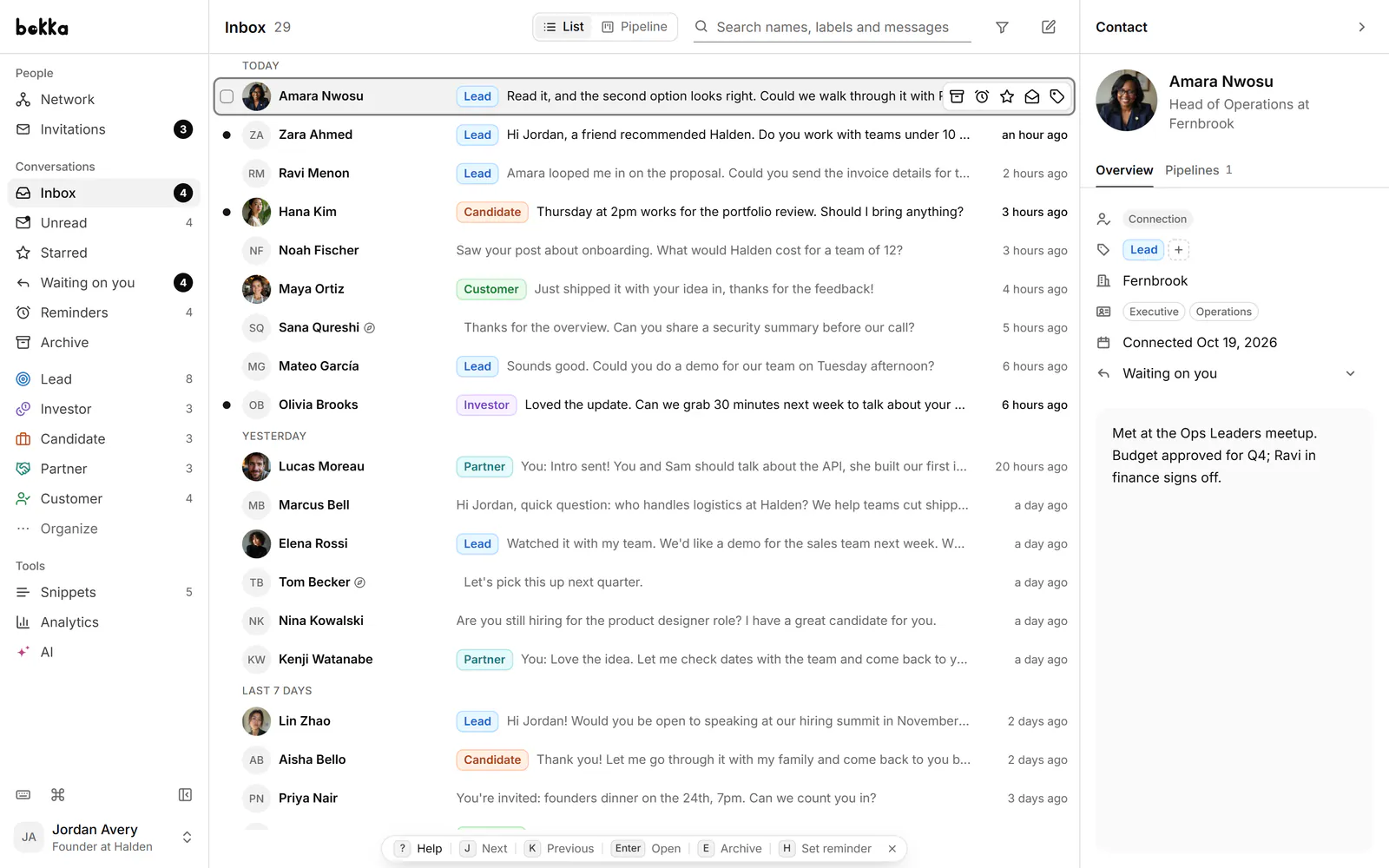
- Requests show in Bokka's Other view, under Other and message requests, beside LinkedIn's Other folder.
- You accept a request on LinkedIn. Until then, the conversation has no message box and reads "Accept this message request on LinkedIn before you write back."
- Message requests are left out of Message selected, which sends one message to several conversations.
Once accepted, a request is a normal conversation, so you can label it, add a note or set a reminder. See Focused and Other and Use the inbox views.
About Bokka
Bokka starts with a free 14-day trial, AI included and no credit card. After it, Starter is $25 and Pro is $35 per user a month ($19 and $30 for your first month). Team, at $50, is coming soon.
Frequently asked questions
What is a message request on LinkedIn?
A message from someone you aren't connected with, such as a coworker or a member of one of your groups. You can accept it or privately decline it.
Does LinkedIn tell someone if I decline their message request?
No. LinkedIn says the sender won't be notified if you decline.
Can I accept a message request I declined?
Yes. Click More in the messaging window, select Declined message requests, open it and accept it.
Can I send a file in a LinkedIn message request?
No. LinkedIn says attachments can't be sent in message requests.
Sources
Other products' prices and features were read on their own pages on November 1, 2026. They change; check each page before you buy.
Join the waitlist for early access to Bokka. Your first 14 days are free, AI included, with no credit card. It runs in Chrome, Edge, Brave and Arc on a desktop or laptop.
Join the waitlistAbout the author
Amardeep Anand founded Bokka, the AI-first CRM for your LinkedIn inbox, and runs it from Deoghar, India. Questions or corrections: support@gobokka.com.
Related

LinkedIn Focused and Other inbox: what they mean, how to switch
2 min read

LinkedIn InMail vs message: what's the difference?
2 min read

What 1st, 2nd and 3rd mean on LinkedIn, and who you can message
2 min read

How to block or report someone on LinkedIn from a message
2 min read
- How many LinkedIn messages can you send a day?
- How to withdraw a LinkedIn invitation, and when to re-invite
- Why can't I message someone on LinkedIn? 7 reasons
- LinkedIn messages not loading? The fixes LinkedIn gives
- How to send files on LinkedIn messages: types and size limit
- How to see your LinkedIn followers, and who you follow
- How to forward a LinkedIn message, on a computer or the app
- Does LinkedIn have read receipts? Yes, and how they work