Getting started
Create an account and sign in
Sign up for Bokka with your email or Google, sign in, reset a forgotten password, and sign out.
Create an account
- On "Welcome to Bokka", type your Email and press Continue. The button waits a moment while a verification check finishes.
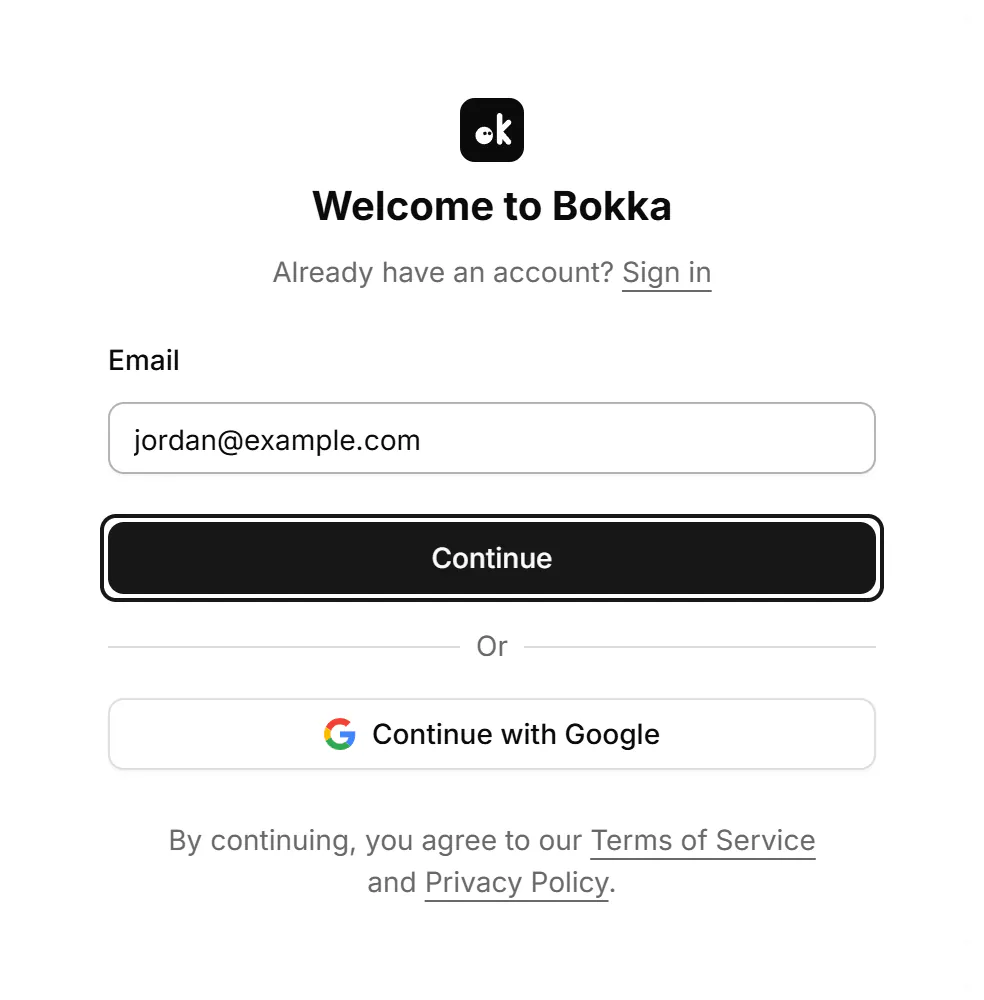
- Choose a Password of at least 12 characters, then press Create account. Change takes you back to the email.

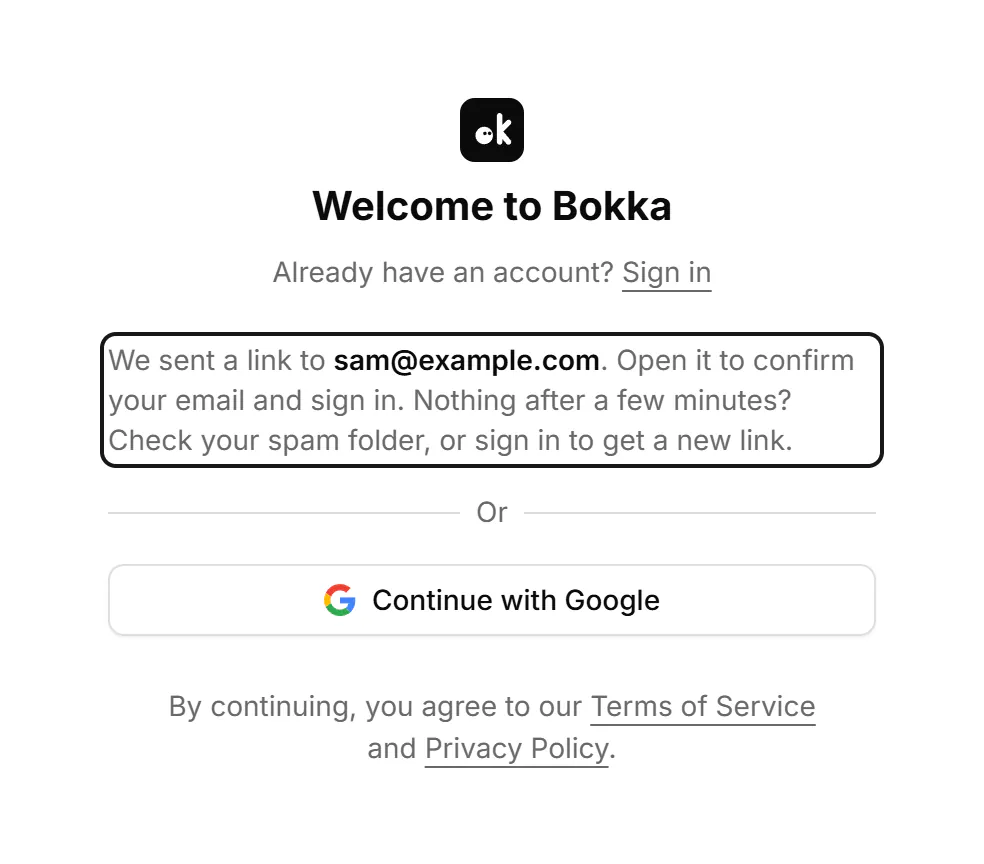
- Open the link we email you, then press Confirm your email. Nothing after a few minutes? Check your spam folder, or sign in to get a new link.
Your account starts with a 14-day trial, AI included, with no credit card. See Choose, change or cancel a plan.
To use Google instead, press Continue with Google on the sign-up or sign-in page.
Sign in
- Type your Email and press Continue.

- Type your Password and press Sign in.
Reset your password
- On the sign-in page, press Forgot password? beside the password label. Type your email and press Send reset link.
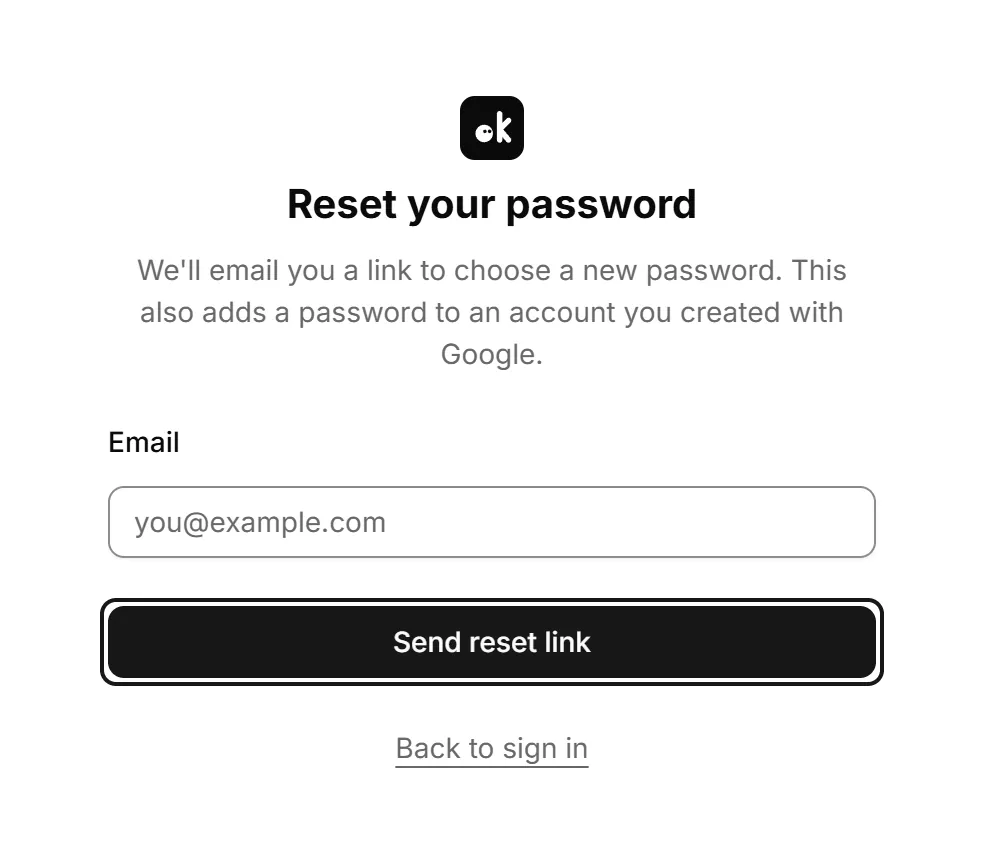
- Open the link in the email (it works once and expires in an hour), then press Continue to reset your password.
- On "Choose a new password", type it and press Save password.
If you signed up with Google, this is also how you add a password. Settings has no email or password change; use Forgot password? for a new password.
Sign out
Press Sign out under the card on the home page, or open the account menu at the bottom of the sidebar and choose Sign out. Signing out clears your messages from this browser, and they download again when you sign back in. Your labels and notes stay in your account.
If something goes wrong
| You see | What to do |
|---|---|
| An account with this email already exists. | Sign in instead. |
| No account uses this email. | Check the email for a typo, or create an account. |
| This email signs in with Google. | Press Continue with Google. |
| That email and password don't match. | Check them and try again, or reset your password. |
| Confirm your email first | Open the link we sent you, or send a new link from the sign-in page. A new link works once and expires in an hour. |
| That link has expired or was already used. | Sign in. If your email still needs confirming, you can get a new link there. |
| Choose a stronger password | Use at least 12 characters that aren't easy to guess. |
| Too many attempts. | Wait a few minutes, then try again. |
| The verification check didn't pass. | Try again. |
| Google sign-in didn't finish. | Try again. |
Related
- Get set up in five minutesCreate an account, add the browser extension and open your LinkedIn inbox in Bokka, all from a browser on your computer.
- Delete your account or clear this deviceClear the messages stored in this browser to start fresh, or delete your account and everything we keep for it.
- What's in SettingsWhere to find each setting: your LinkedIn account, sign-in, plan and extension, preferences, labels, AI and more.
- Common questionsQuick answers about where your messages are stored, which browsers work, LinkedIn accounts, AI, the trial and deleting your data.
Still stuck? Email support@gobokka.com and say what you were trying to do.