Getting started
Get set up in five minutes
Create an account, add the browser extension and open your LinkedIn inbox in Bokka, all from a browser on your computer.
- Create an account with your email, or press Continue with Google.
- Open the link in the email we send you, then press Confirm your email.
- On the home page, Install the extension shows until the extension is added. Press Get the extension, add it to your browser, then come back and press Check again. Install and connect the extension has the details.
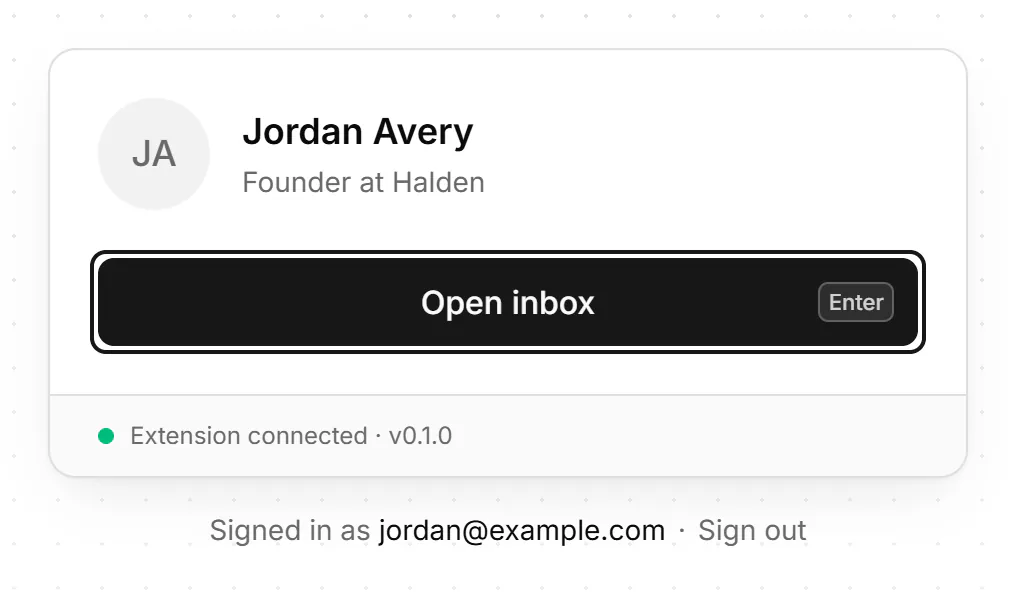
- The card now shows your LinkedIn profile, "You're signed in to LinkedIn in this browser." and Extension connected. Press Open inbox, or Enter.
- On the trial and on Pro, "Let AI do the busywork in your inbox" may open. Choose Set it up ↵ to pick what AI helps with, or Not now.
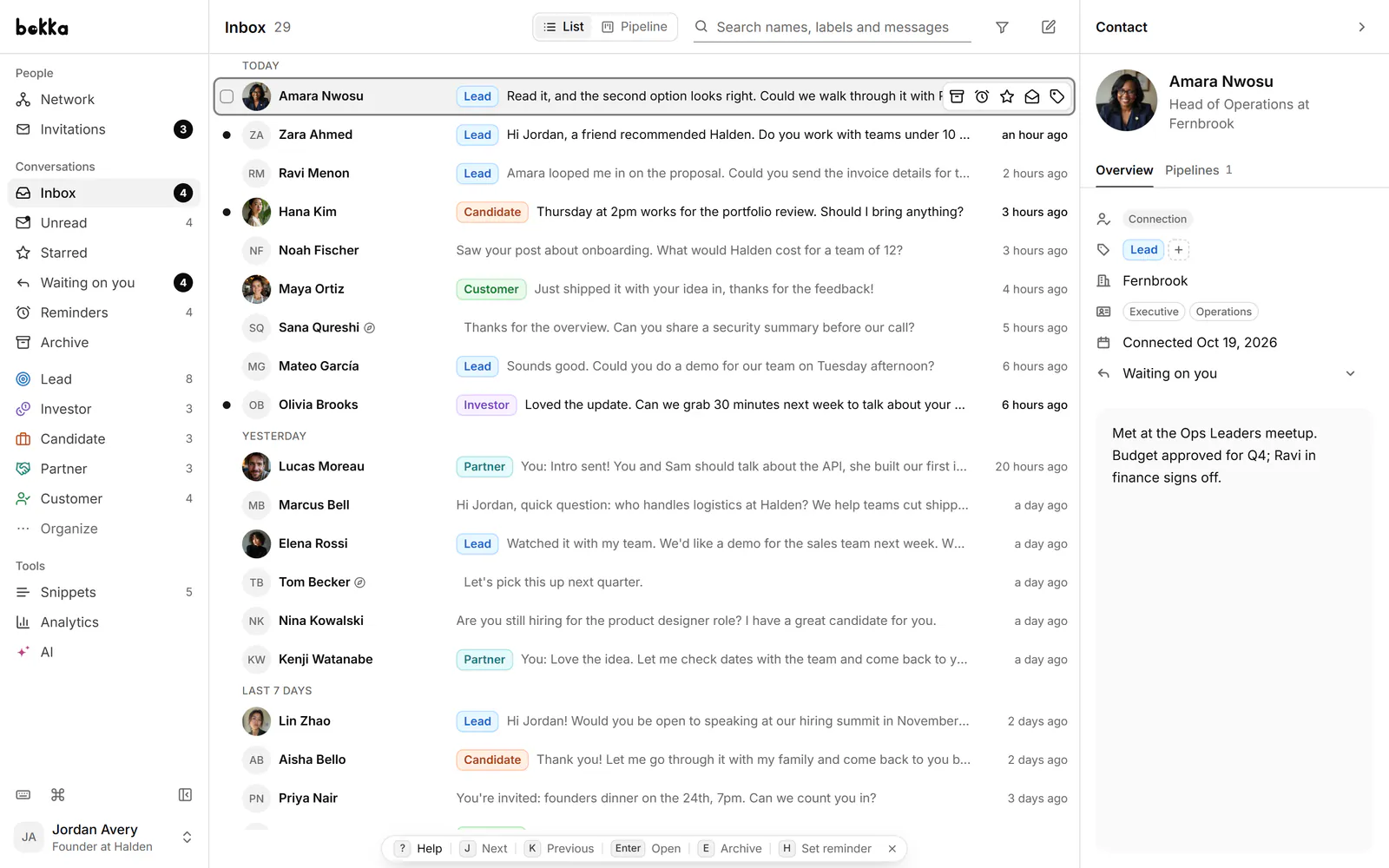
- Move through conversations with J and K, and press Enter to open one. Press Enter again to write a reply, and ? to see every shortcut.
What happens next
Your conversations appear in the list as they load. Bokka works through your own LinkedIn session in this browser, using a small extension, only while Bokka is open, so keep it open in a tab. Your messages stay in your browser, on your device.
Next, take the tour to see where everything is.
If something goes wrong
- The Bokka extension isn't connected: see The extension isn't connected.
- A different LinkedIn account: see Signed in to a different LinkedIn account.
- Sign in to LinkedIn: you're signed out of LinkedIn in this browser. Sign in on linkedin.com, then press Check again.
- We couldn't check your LinkedIn sign-in: wait a minute, then press Check again.
Related
- Install and connect the extensionAdd the Bokka extension to Chrome, Edge, Brave or Arc and connect it, so Bokka can load your LinkedIn messages.
- Create an account and sign inSign up for Bokka with your email or Google, sign in, reset a forgotten password, and sign out.
- Where is everything?A tour of Bokka: the sidebar, the conversation list, the conversation, the contact panel, the command palette and the shortcut sheet.
- My inbox is empty or messages are missingWhy conversations may not show in Bokka yet, and what to check: the open tab, the extension, the view, filters and search.
Still stuck? Email support@gobokka.com and say what you were trying to do.