Messaging
Start a new conversation
Write to one of your connections from the inbox or from People, when you have no conversation with them open.
- Press C, or click Compose above the list. New message opens where the conversation would be.
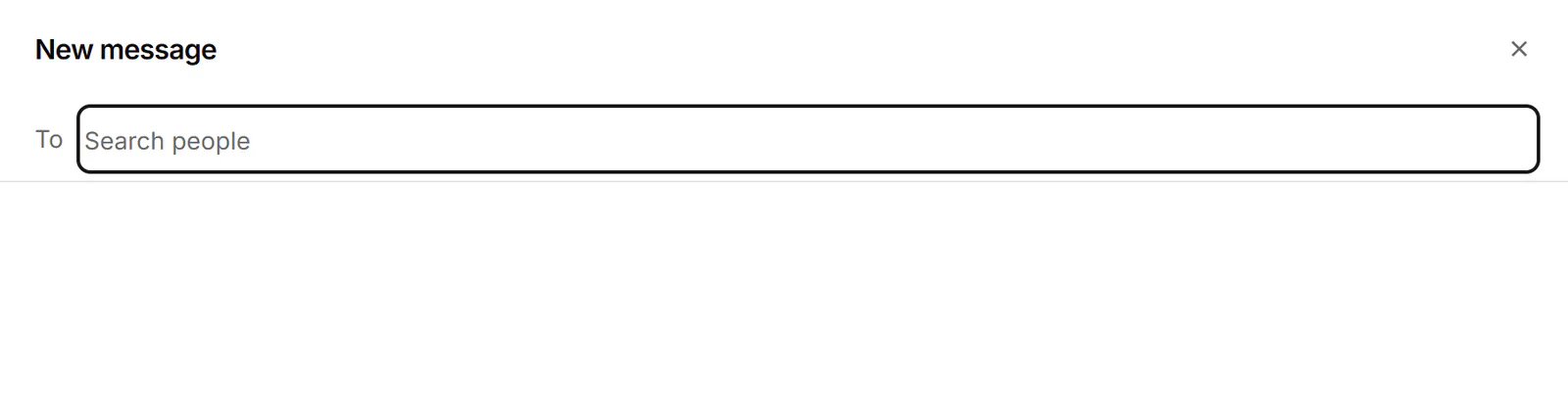
- In To, type a name. People already in Bokka show first; when none match, suggestions from LinkedIn appear: your connections and your group conversations.
- Pick someone with ↑, ↓ and Enter, or click them. Backspace in the empty field removes the last person.
- Write your message and press Ctrl+Enter.
If you already have a one-to-one conversation with that person, the message goes there. Once sent, you see "Sent. The conversation opens here once it syncs."
From People, press Enter on a connection to open a new message to them.
If something goes wrong
- "No one found": check the spelling, or try their first or last name alone.
- "Already in To.": that person is already on the message.
- "Couldn't search LinkedIn. Try again in a moment.", or a message to try again in a minute: wait, then type again.
Related
- Read and reply to a conversationOpen a conversation, read back through it, and reply from the keyboard, with attachments, quick follow-ups and per-message actions.
- Send one message to several peopleWrite one message, personalised with each person's name or company, and send it to up to 10 conversations, approving each send.
- Work through connections, followers and followingBrowse your LinkedIn connections, followers and the people you follow, then label them, keep notes and message them.
Still stuck? Email support@gobokka.com and say what you were trying to do.