Account and billing
Delete your account or clear this device
Clear the messages stored in this browser to start fresh, or delete your account and everything we keep for it.
Both are in Settings → Danger zone. Your LinkedIn messages are stored in this browser, not on our servers.
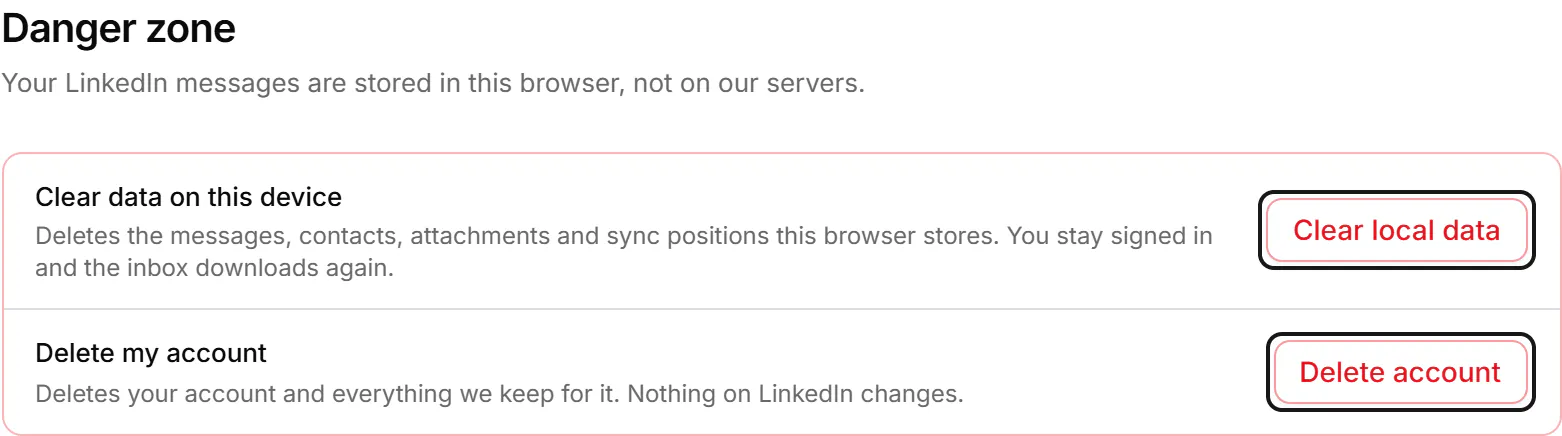
Clear data on this device
Use this when messages in this browser look wrong. Your account stays as it is.
- In Danger zone, press Clear local data.
- The dialog "Clear data on this device?" deletes every message, contact, attachment and sync position stored in this browser. You stay signed in, and your labels and notes stay in your account.
- Press Clear data. You land on the home page, still signed in, and your inbox downloads again. This takes a few minutes.
Delete your account
- In Danger zone, press Delete account.
- Read "Delete your account?". It deletes your labels, pipelines, notes, reminders, snippets, fields and saved views, and the messages stored in this browser. A paid plan ends now and isn't charged again. It can't be undone.
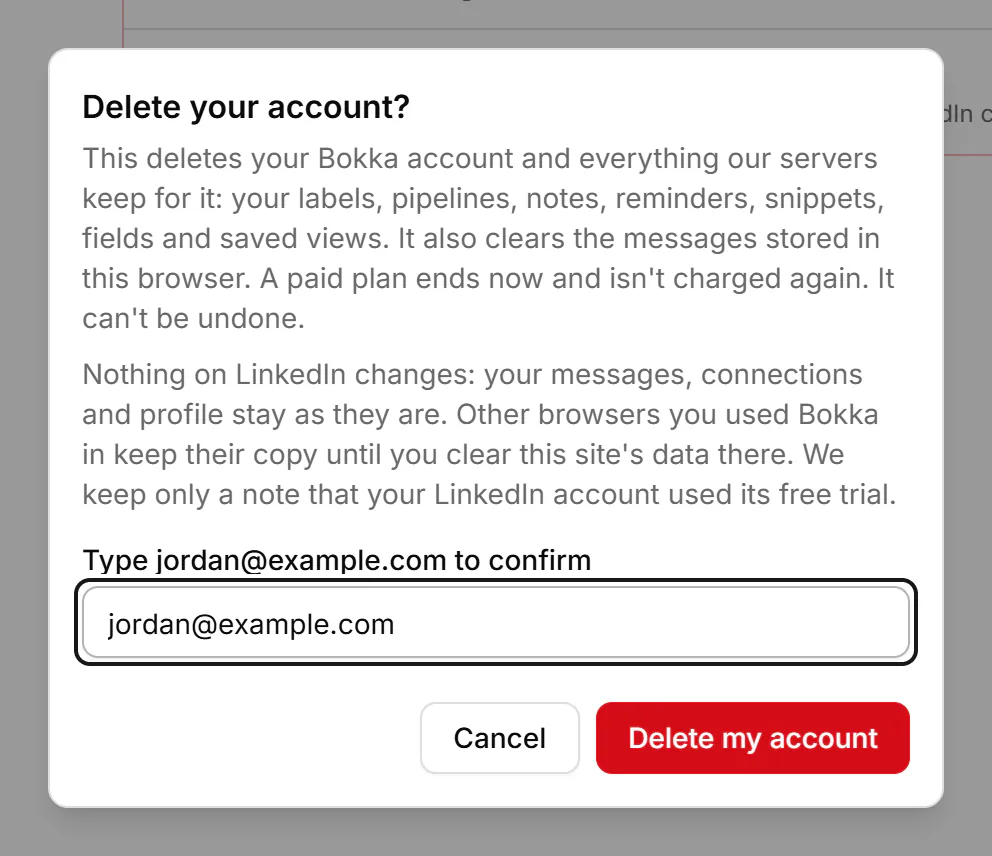
- Type the email you sign in with in the confirm field, then press Delete my account.
- The home page shows "Your account is deleted. Nothing on LinkedIn was changed."
Nothing on LinkedIn changes. Other browsers you used Bokka in keep their copy until you clear this site's data there. What we keep for your account is deleted at once, and from our backups within 30 days. We keep only a record that your LinkedIn account used its trial, and the billing records the law requires. There's no refund for the rest of a paid period.
If something goes wrong
- "For your security, deleting your account needs a sign-in from the last 5 minutes." Sign in again, then come back.
- "Type the email address you sign in with, exactly."
- "We couldn't delete your account. Try again in a minute."
- "We couldn't reach our servers. Check your connection, then try again."
- "We couldn't clear the data in this browser. Close other tabs of this app and try again."
Related
- What's in SettingsWhere to find each setting: your LinkedIn account, sign-in, plan and extension, preferences, labels, AI and more.
- My inbox is empty or messages are missingWhy conversations may not show in Bokka yet, and what to check: the open tab, the extension, the view, filters and search.
- Choose, change or cancel a planWhat the 14-day trial, Starter and Pro include, and how to choose a plan, switch plans, update your card or cancel.
- Common questionsQuick answers about where your messages are stored, which browsers work, LinkedIn accounts, AI, the trial and deleting your data.
Still stuck? Email support@gobokka.com and say what you were trying to do.