Getting started
Install and connect the extension
Add the Bokka extension to Chrome, Edge, Brave or Arc and connect it, so Bokka can load your LinkedIn messages.
Bokka works through your own LinkedIn session in this browser, using a small extension, only while Bokka is open. The extension adds nothing to LinkedIn's pages.
- Open Bokka. If it can't find the extension, the home page shows Install the extension.
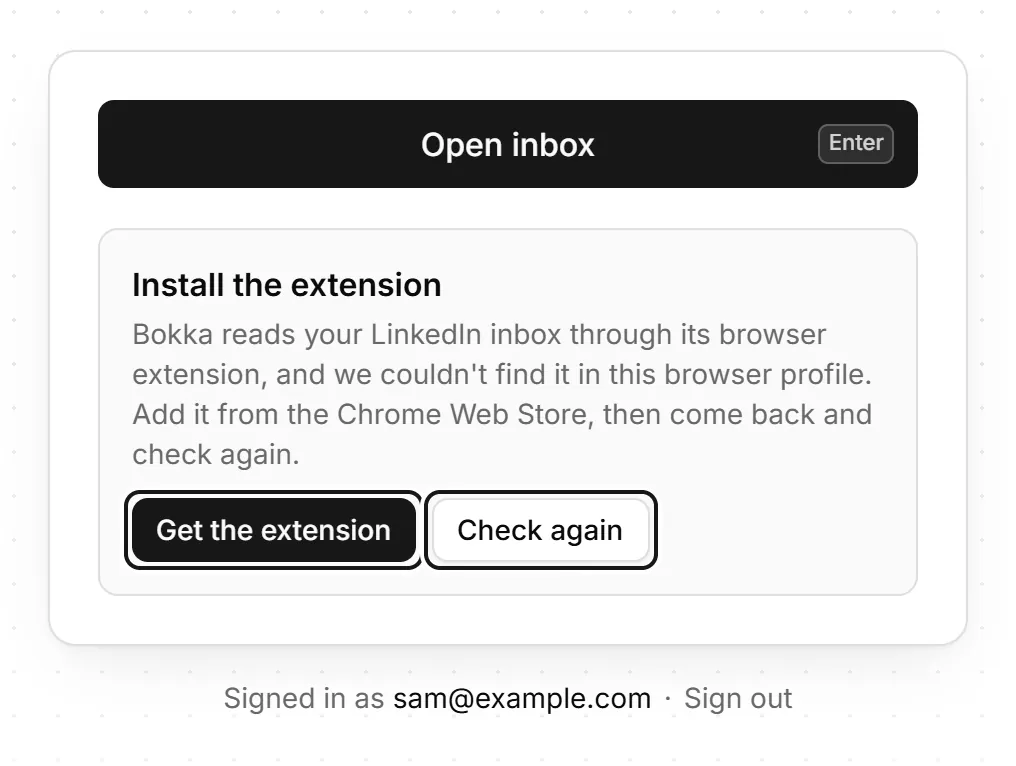
- Press Get the extension. The extension's page opens in the Chrome Web Store, which installs it in Chrome, Edge, Brave and Arc alike.
- Add the extension. Your browser asks you to allow access to your data on www.linkedin.com: the extension needs it to load your LinkedIn messages for Bokka.
- Go back to the Bokka tab and press Check again.
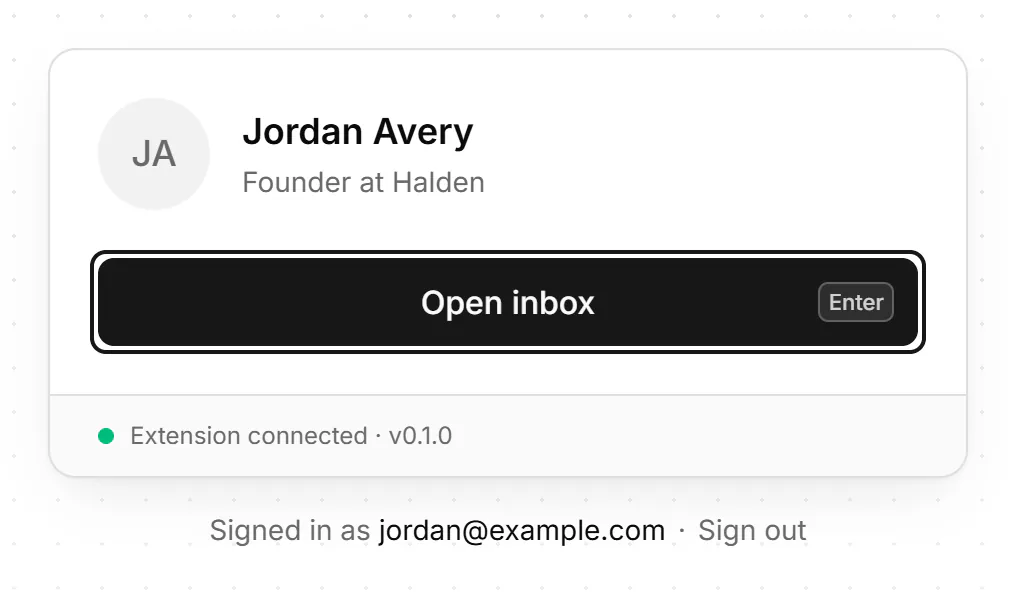
- The card shows your LinkedIn profile and Extension connected, with the version. Press Open inbox.
Pin the extension
To keep its icon in the toolbar, pin it from your browser's extensions menu. Clicking the icon opens your Bokka inbox in a new tab. Right-click it for Open Bokka automatically, which opens Bokka when you go to LinkedIn messaging; you can turn that off.
To check the connection later, open Settings → Account: Browser extension shows the version and Connected.
If something goes wrong
- Install the extension still shows after you added it: press Check again, or reload the tab.
- The extension is installed but turned off: open your browser's extensions page (
chrome://extensionsin Chrome,edge://extensionsin Edge,brave://extensionsin Brave, or Arc's extensions page), turn Bokka on, then press Check again. - Update the extension: see Update the extension.
- A different LinkedIn account: see Signed in to a different LinkedIn account.
Related
- Get set up in five minutesCreate an account, add the browser extension and open your LinkedIn inbox in Bokka, all from a browser on your computer.
- "The Bokka extension isn't connected"What to do when Bokka can't reach its extension: install it, turn it on, or open Bokka in the right browser profile.
- LinkedIn messaging keeps opening BokkaTurn off, or back on, the extension setting that opens your Bokka inbox whenever you go to LinkedIn messaging.
- Update the extensionWhat to do when Bokka asks you to update its extension or reload the page, and how to update the extension right away.
Still stuck? Email support@gobokka.com and say what you were trying to do.