People
Work through connections, followers and following
Browse your LinkedIn connections, followers and the people you follow, then label them, keep notes and message them.
Open your lists
- In the sidebar, under People, choose Network, or press G then C. The tabs are Connections, Followers and Following, each with a count.
[and]step between them.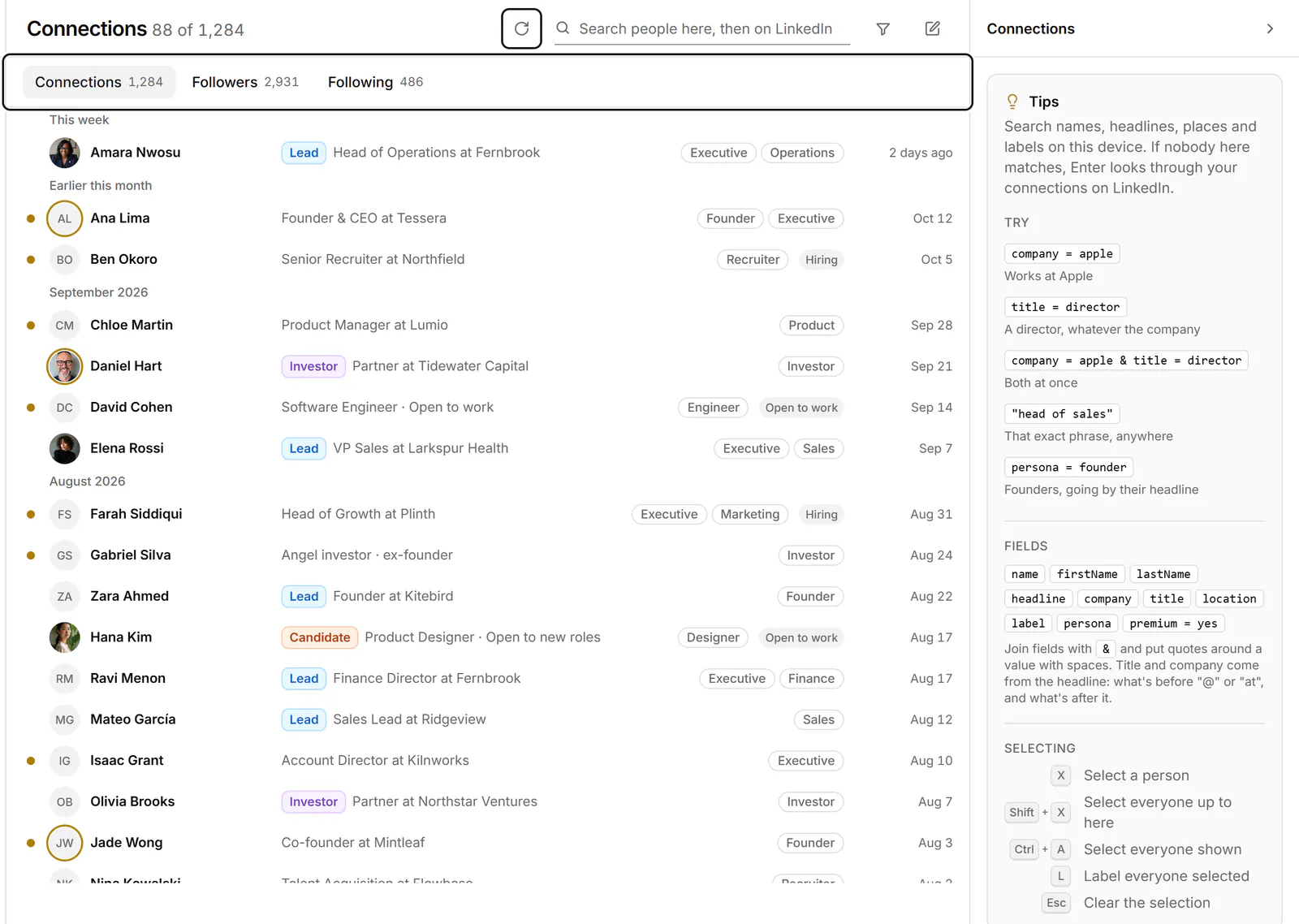
- Each list checks LinkedIn for new people every time you open it, and more load as you scroll. To check again, choose Check for new connections (or followers, or people you follow).
- Move between people with J and K. The panel on the right shows the selected person, or Tips when nobody is selected.
Work with a person
- Press Enter to open your conversation with them, or to start one if you're connected. You can message people once you're connected.
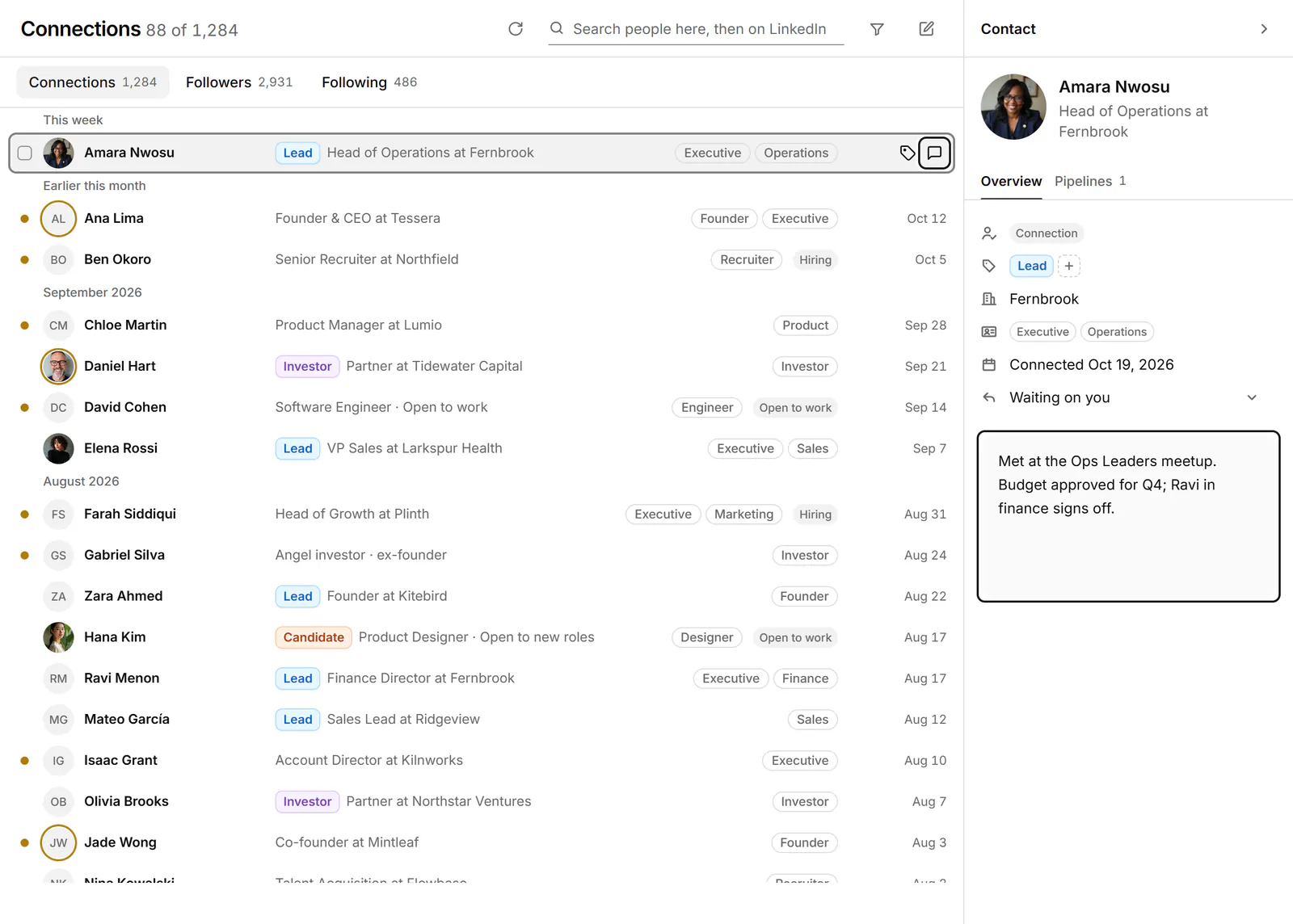
- Press L to label them, or N to write a note. People carry the same labels and notes as their conversations. See Notes and details about a person.
Select many people
Press X to select a person, and Shift+X or Shift+click to select everyone from the last one you selected. Then choose Apply labels to label them all. To write to up to 10 selected connections, choose Compose; see Send one message to several people.
If something goes wrong
- "Load more after" a time: Bokka loads from LinkedIn at a measured pace while it's open in a tab. Wait until that time, then scroll again.
- "You're signed out of LinkedIn. Sign in on linkedin.com, then try again."
- "LinkedIn didn't answer. Try again in a few minutes."
- "We couldn't reach the extension." Check that the extension is installed and turned on, and that this tab is in front, then try again.
- "Loading from LinkedIn is switched off right now, or your extension needs an update." What's already in Bokka still shows. Check for an extension update, or try again later.
Related
- Find the right peopleNarrow your connections, followers or following with search, field searches like company = apple, and filters.
- Where are my invitations?See the connection invitations you've received and the ones you sent that are still waiting, and label or note them.
- Label conversationsTag conversations and people with labels, work each label as its own list, and manage your labels in Settings.
- Send one message to several peopleWrite one message, personalised with each person's name or company, and send it to up to 10 conversations, approving each send.
Still stuck? Email support@gobokka.com and say what you were trying to do.