Widgets
Intake forms and requests
Let visitors to your site or link page say who they are and what they'd like to talk about, then answer them from Requests.
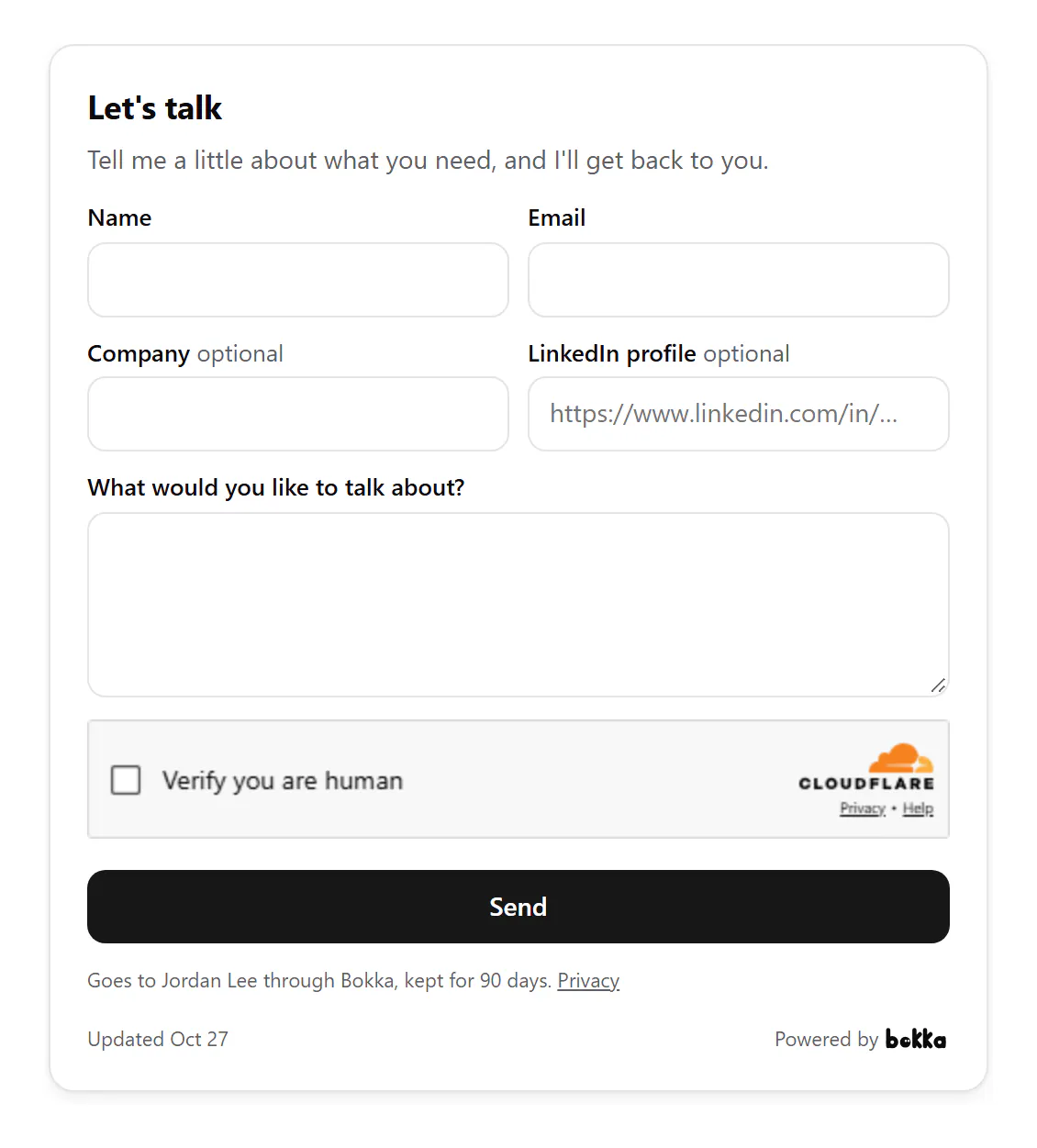
An intake form asks a visitor for their name, their email and what they'd like to talk about. You can also ask for their company and their LinkedIn profile. Add it to your site as a widget, or turn it on in your link page.
Answer requests
- In Widgets, choose Requests. The number on the tab is how many wait for you.
- Search, filter by widget, or sort by newest, oldest or name.
- Choose a request to read it. Reply by email writes to them, Open LinkedIn profile opens theirs when they gave it.
- Choose Mark done. It moves to Done; Move back to To answer undoes it.
Privacy and spam
- Under the button, visitors read that their request goes to you through Bokka and is kept for 90 days. After 90 days it's deleted.
- Only you can see your requests.
- A form takes a few requests an hour from one visitor and up to 50 a day, and checks that the sender is a person.
Related
Still stuck? Email support@gobokka.com and say what you were trying to do.